What are courses?
Courses are a learning tool you can use to share lessons and other training materials with customers.
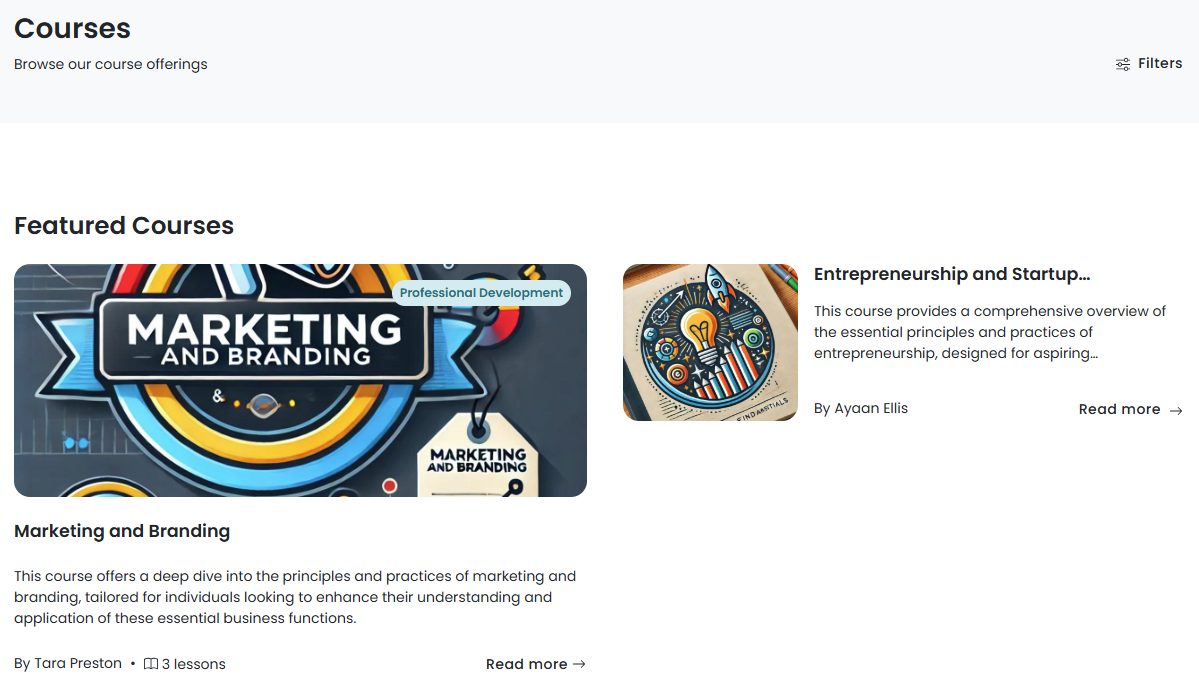
How do courses work?
You can easily create and publish courses from the Admin Panel.
Customers can then enroll in courses and complete their lessons right from the Members Portal.
Enabling the courses section
The Courses section is enabled by default as long as you have at least one course published to the Members Portal.
To disable the Courses section, you'll need to make sure none of your courses are published.
The Courses section is available to the public by default. You can't restrict access to the Courses section, but you can restrict individual courses to the following customer groups:
- Hidden: only users with a link can sign-up
- Paid: users that enroll in the course are automatically signed up to a plan
- Private: only users added as attendees from the Admin Panel can access the course
- Public: anyone can sign up to the course
Once you've created and published your courses, customers can enroll from the Members Portal.