You can access NexBoard's settings by clicking Settings > Companion apps > NexBoard on the Admin Panel.
Primary color
This primary color is used for some buttons on the app, including the selected booking start and end times.
Show when the resource was last cleaned
Enable this toggle if you want the app to display when the resource was last cleaned by your staff.
Staff can tap the Last cleaned button on NexBoard's standby screen to instantly update the time displayed.
You can also use automation tiles with this setting.
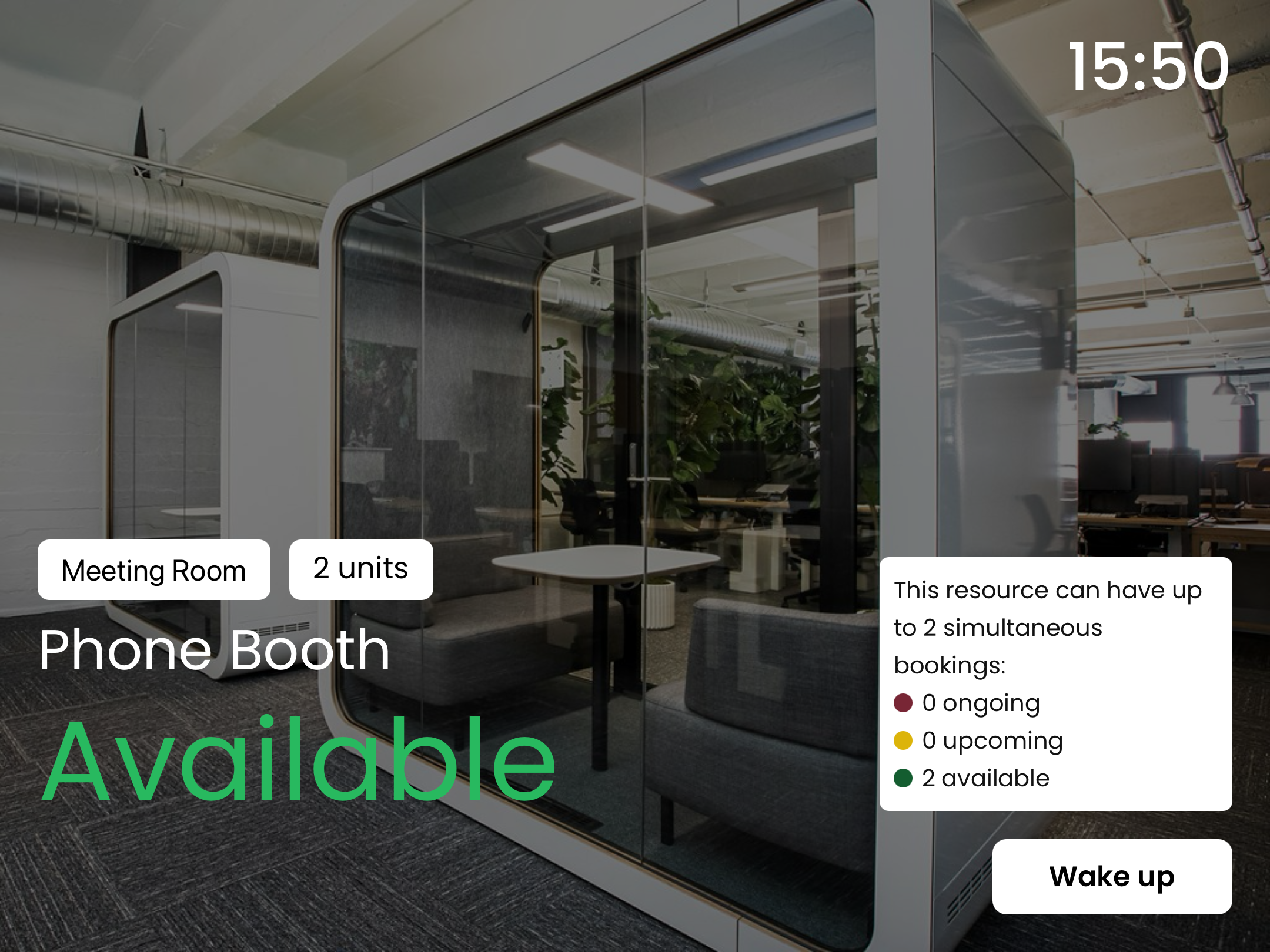
Show image on standby screen
Enable this toggle if you want the app to display an image of the connected resource on the standby screen.