What is the sign-up experience?
Customers can sign up via the Members Portal by simply creating an account or as part of a purchase flow when they:
- make a booking
- sign up to a plan
- purchase a product
- purchase an event ticket
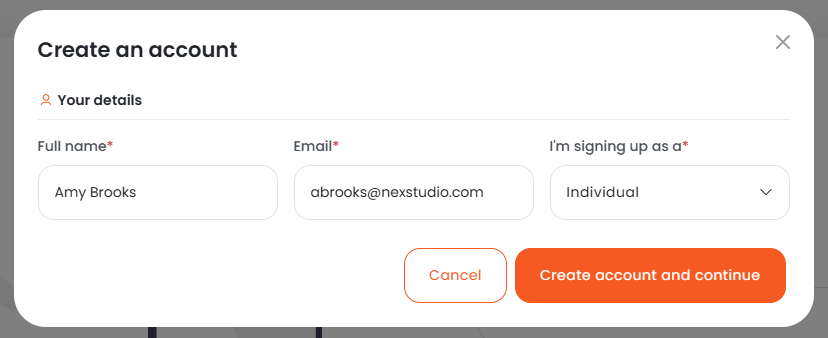
How the sign-up experience works
You can decide whether or not to allow new customers to sign up from the Members Portal.
If you choose to allow sign-up, customers will need to provide information such as their name and contact details when they create an account or make a purchase for the first time.
You can decide what information you collect from customers when they sign up as well as what actions they can take after creating an account.
Setting up your Sign-Up Experience
If you want to allow customers to sign up on the Members Portal, you'll need to enable sign-up and define your sign-up and new customer access settings.
Sign-up and new customer access settings control important features like:
- deciding whether new accounts are suspended by default
- deciding what actions customers can do after signing up
Once you've enabled sign-up and defined your settings, you can customize your sign-up forms. Sign-up forms let you collect additional information from customers when they sign up. They also control whether guest checkout is enabled in your space.
For more information, check out Setting up your Sign-Up Experience.