You can easily hide products you no longer use with the archive function. You can remove the product from your main inventory screen while retaining the product itself for record-keeping and analytics purposes.
Log in to dashboard.nexudus.com if you aren't already.
- Click Inventory > Products.
- Select the products you want to archive.
Click on the Bulk actions button and then Archive xx record(s).
Click Yes, do it to confirm.
All set! You've successfully archived the selected products.
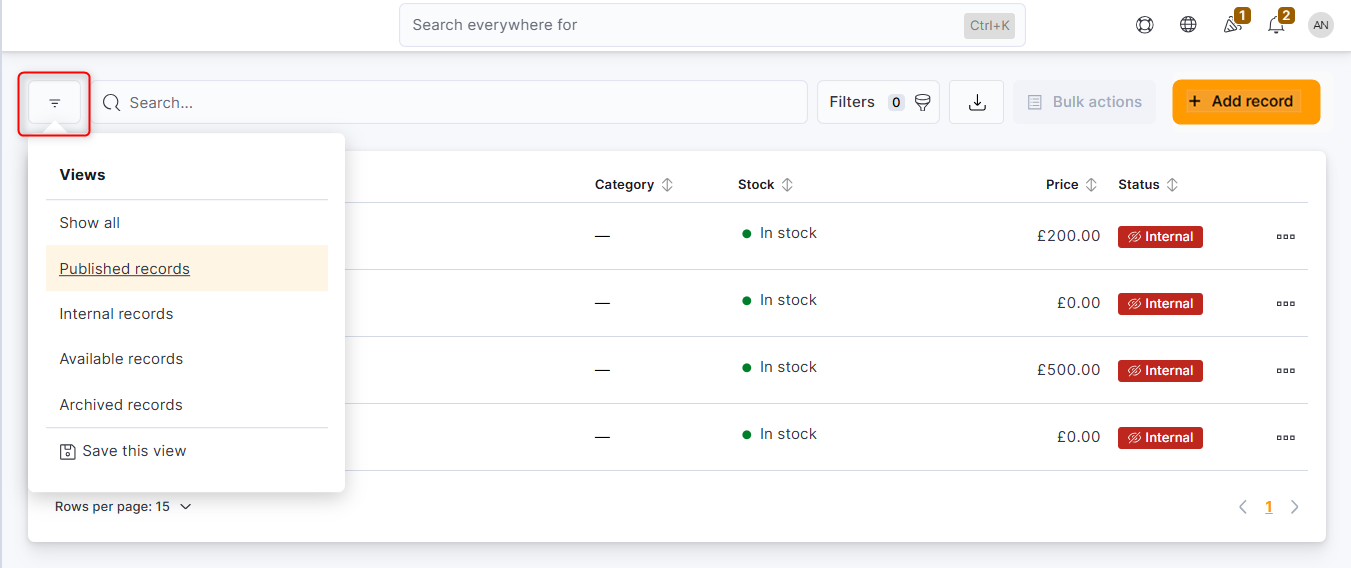
You can easily view archived products by clicking on the Views menu and selecting Archived products.
To restore archived products, simply select every product you want to restore and click Restore xx record(s) in the Bulk actions menu.