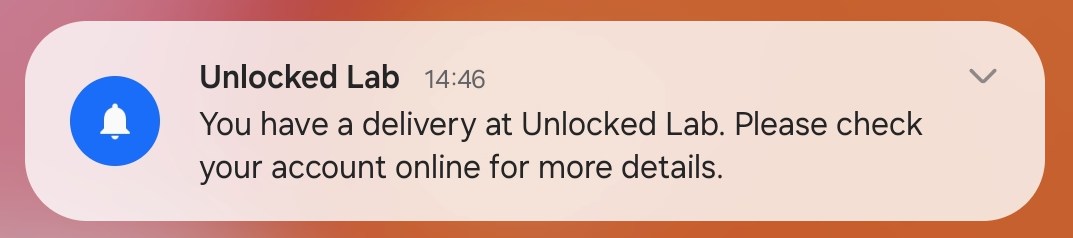
When you register a delivery on the Admin Panel, customers will receive an email and a notification from the Passport app.
They'll also see a CTA button on their Passport app dashboard prompting them to collect their deliveries.
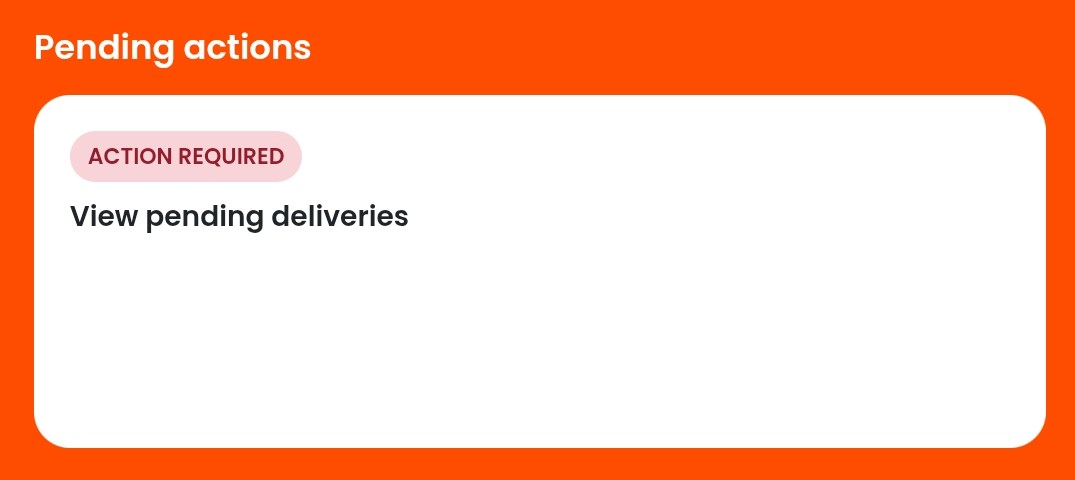
Customers can view their pending deliveries by clicking the CTA button or by going to My activity > Deliveries. They can also mark their deliveries as collected once they've picked them up from your space.
Marking deliveries as collected
Customers can mark deliveries as collected in a few taps on the Passport app.
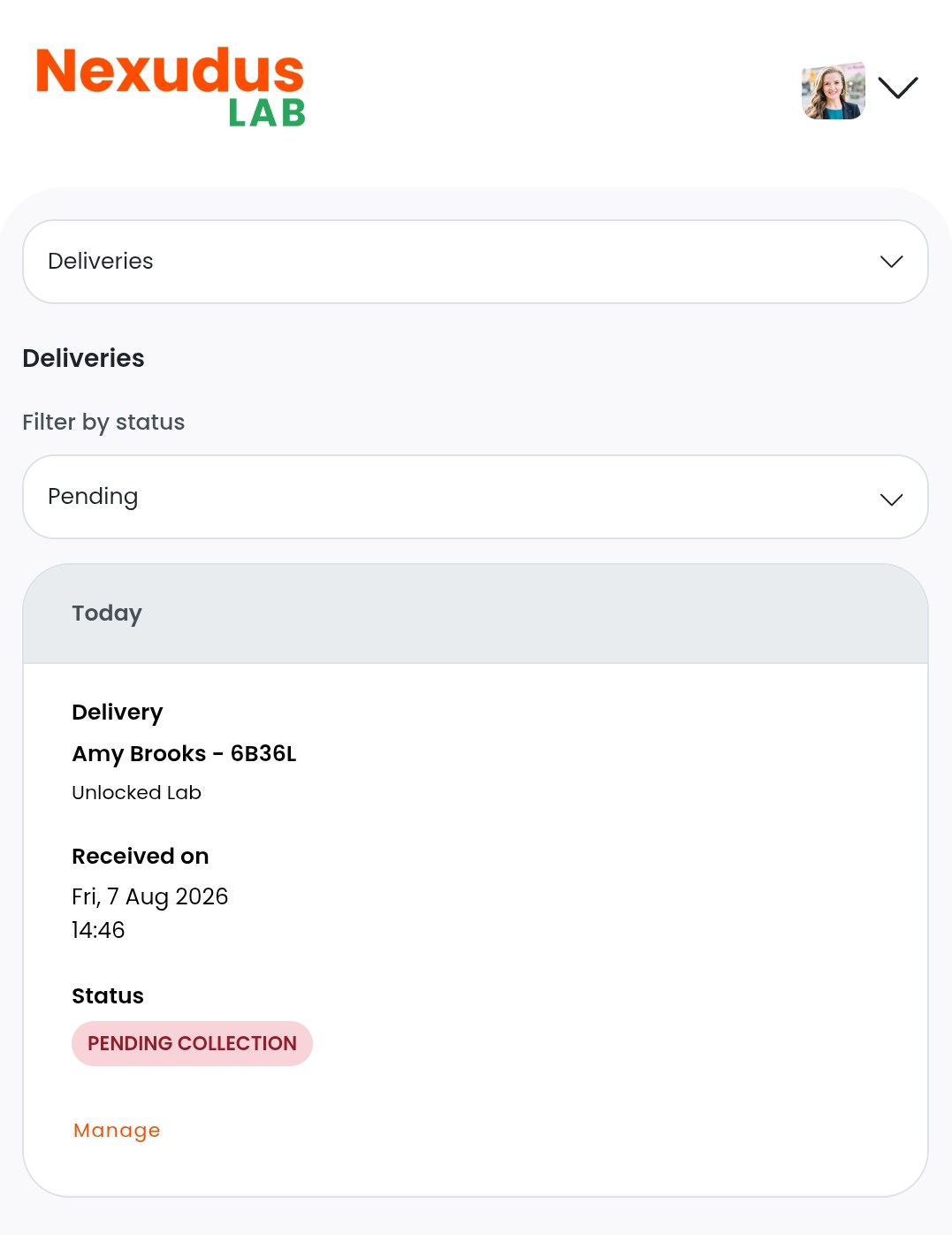
Open the Passport app if you haven't already.
Tap your icon to open the drop-down menu.
- Tap My activity.
- Tap Deliveries.
- Tap Manage on the delivery you've collected.
- Tap Mark as collected.
- Tap OK.
All set! The delivery has been marked as collected and will be removed from the list of pending deliveries.
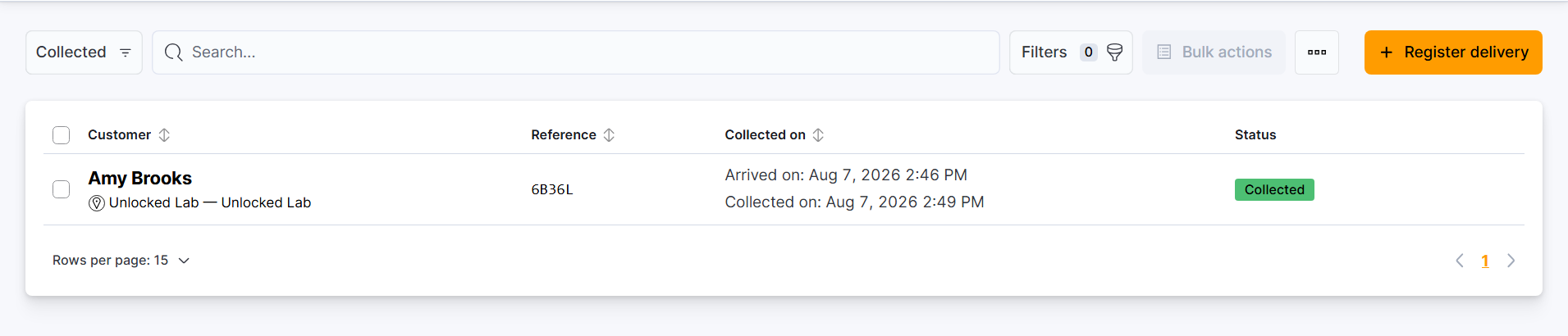
You can view a list of collected deliveries on the Admin Panel by going to Operations > Deliveries and filtering by Collected.