What are perks?
Perks are discounts or other benefits you offer your customers. Perks can be from your space or in partnership with other businesses.
How do perks work?
You can reach out to local businesses or larger brands to negotiate perks to your customers. Perks are often in the form of a referral link or discount code.
Once you have your perk details, you can create the perk on the Admin Panel.
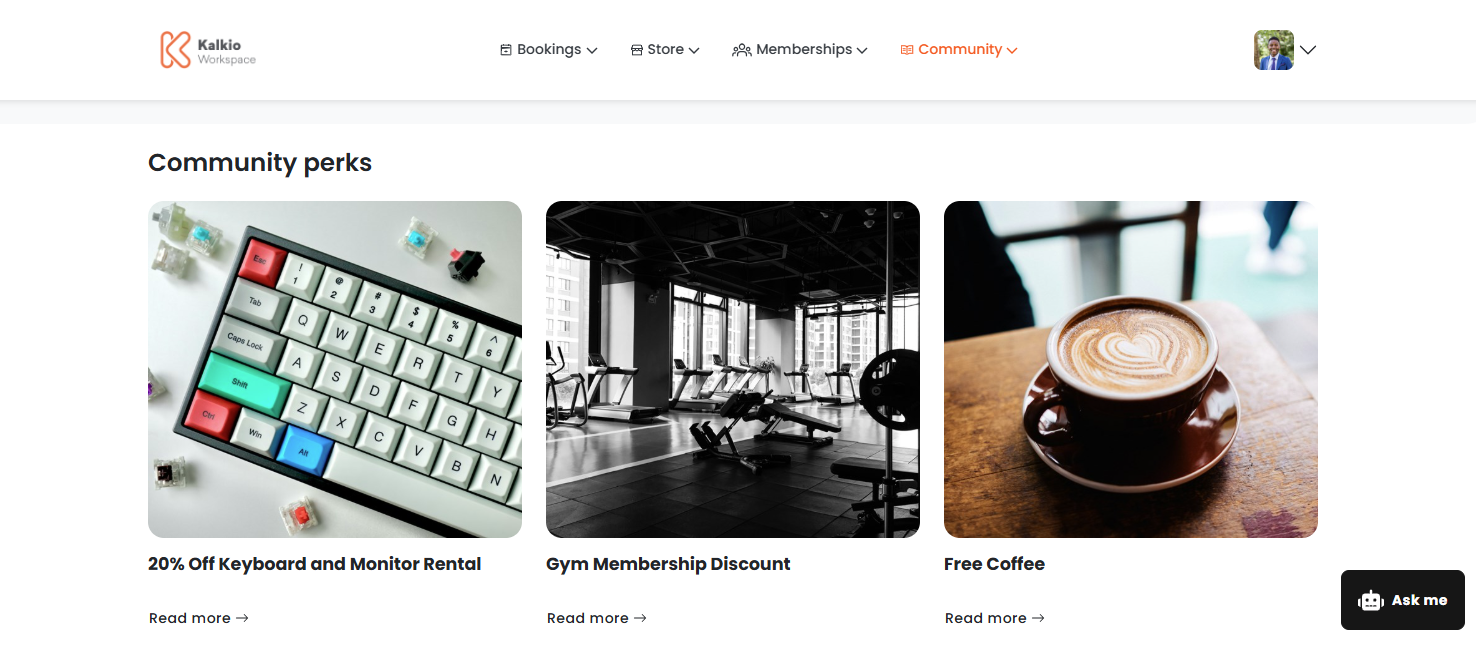
Once you've published perks to the Members Portal, customers can easily claim them from the Perks section.
Enabling perks
The Perks section is enabled by default as long as you have at least one perk published to the Members Portal.
If you'd like to disable the perks section, you'll need to make sure you don't have any published perks. You can view all your perks on the Admin Panel at Community > Perks.
You can easily control who has access to the Perks section. Go to Settings > Website and click on the Access tab. Under Access to sections, you can restrict articles to the following customer groups:
- the public
- logged-in users
- members only
- contacts only
Once you've configured your settings and published perks, customers can claim them on the Members Portal.