What is the directory?
The directory lets your customers publish their professional profiles on the Members Portal. They can also browse the profiles of other customers and teams.
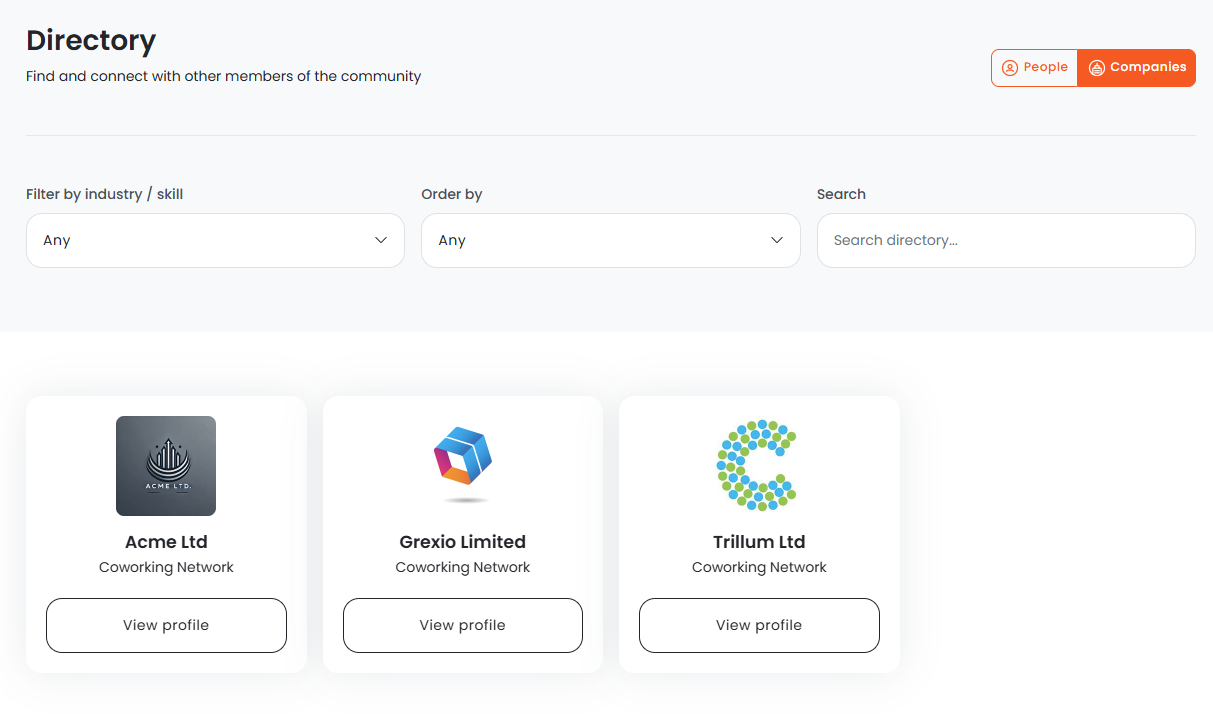
How the directory works
Customers and teams can publish their profiles with information such as their industry, skills, and social media contact information.
Enabling the directory
You can enable the directory from Settings > Website > Features on the Admin Panel.
You can configure your directory settings by clicking on the Directory tab under Settings > Modules on the Admin Panel.
Once you've enabled the directory and defined your settings, customers can publish their profiles on the Members Portal.