Each one of your floor plans uses a color-coded system to show the availability status of every unit at a glance.
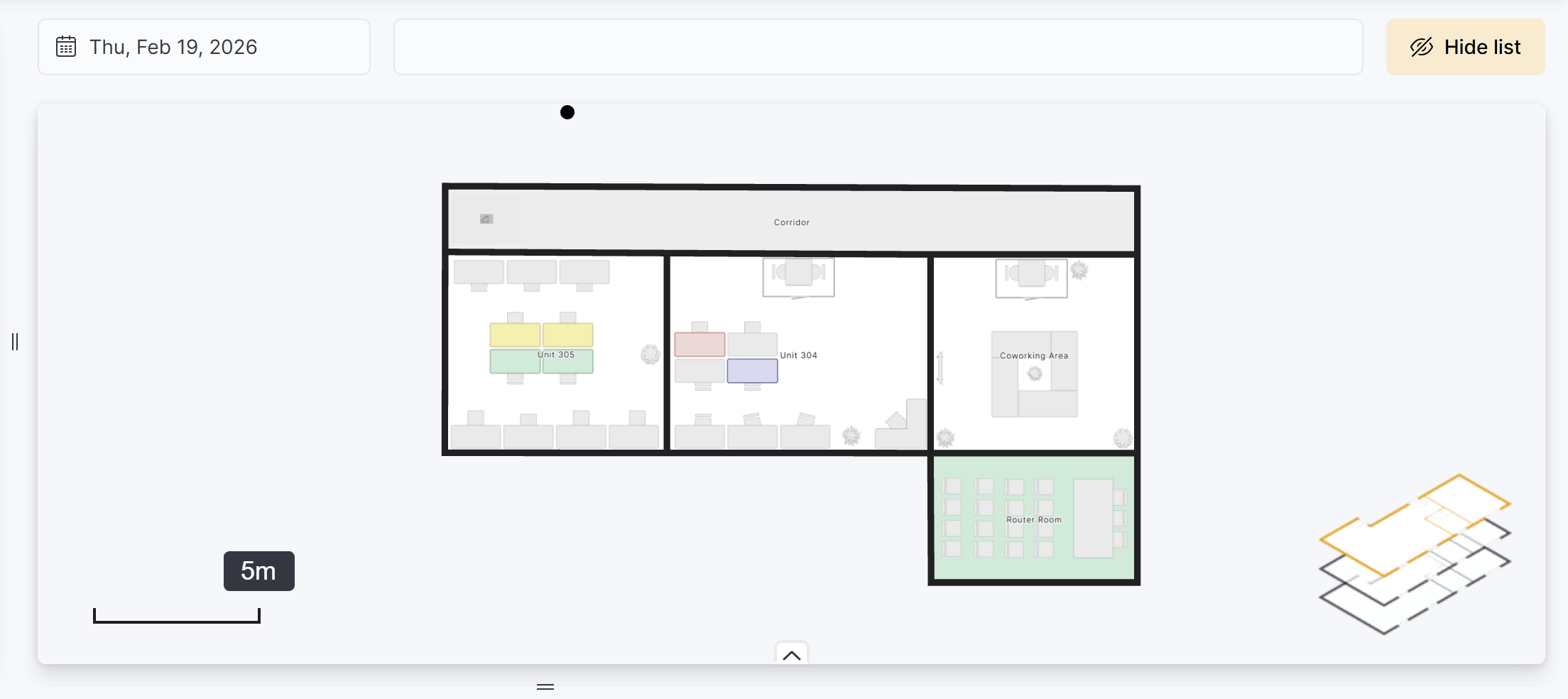
By default, the view shows availability for today, but you can select any past or future date to check status on that day.
🟢Available (green)
Floor plan units are green when they're:
- Connected to a bookable resource with no bookings on the day
- Available to link to a proposal or contract
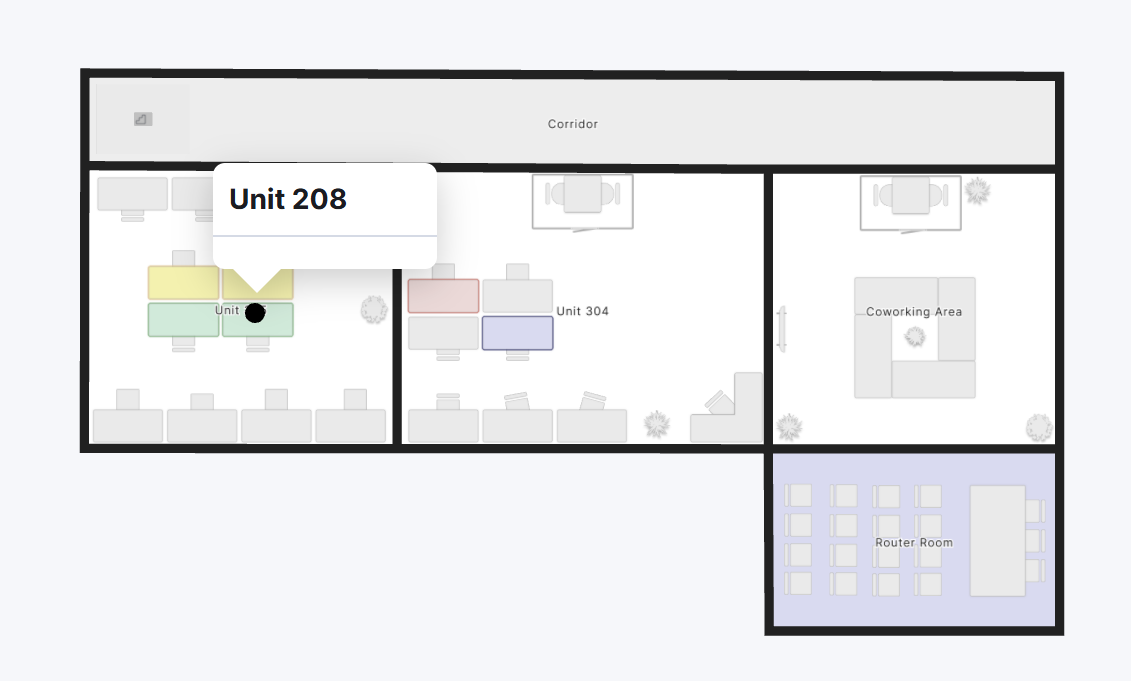
Units automatically switch to Available when:
- Linked contract ends (unless another linked contract is scheduled to start)
- No booking was made on the selected day
- Proposals are rejected or expire
🔴Contracted (red)
Floor plan units are red when they're linked to a contract. Hover over any of the units to see the linked customer contracts.
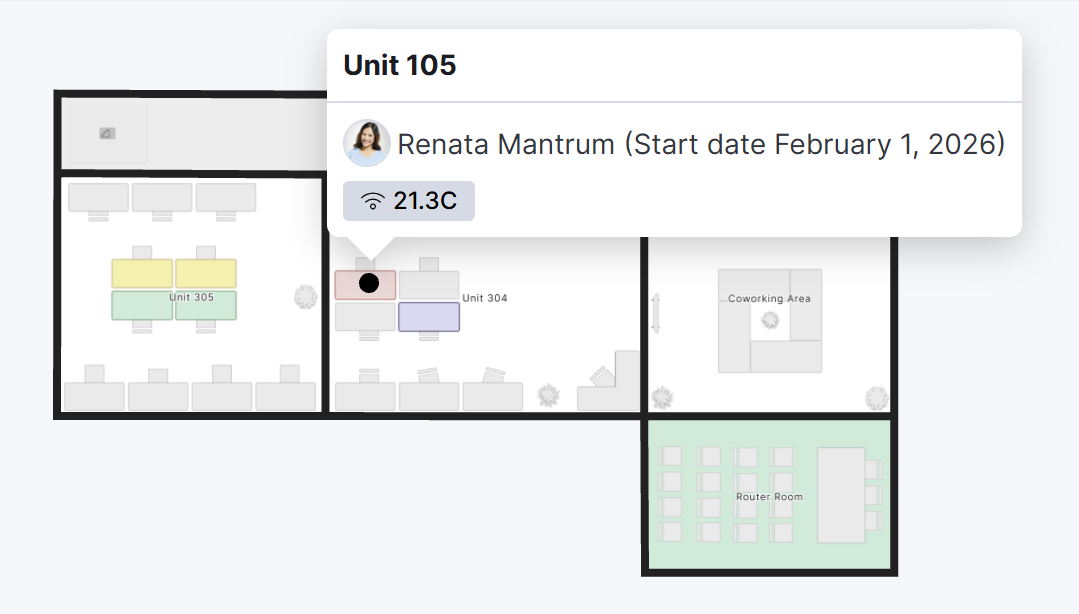
Units automatically switch to Contracted on the contract start date.
Contract dates for a unit cannot overlap. All floor plan units, except hot-desks, can only have one active contract at any given time.
Units automatically switch back to Available on the contract's cancellation date if there's no other contract starting the following day.
🟣Starting or Booked (purple)
Floor plan units are purple when they're linked to a contract set to start at a later date or booked for any amount of time on the selected day. You can hover over any of the units to see the linked customer contracts or bookings.
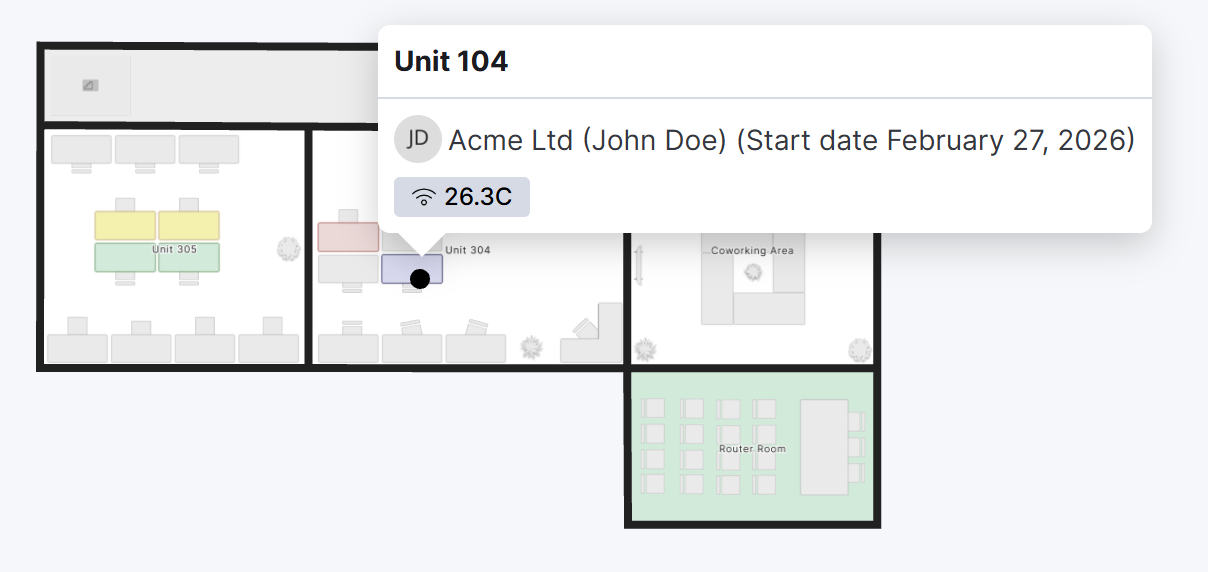
Units automatically switch to Contracted on the contract's start date.
Units can also be purple when they are linked to a resource. You can hover over any of the bookable units to see the linked bookings.
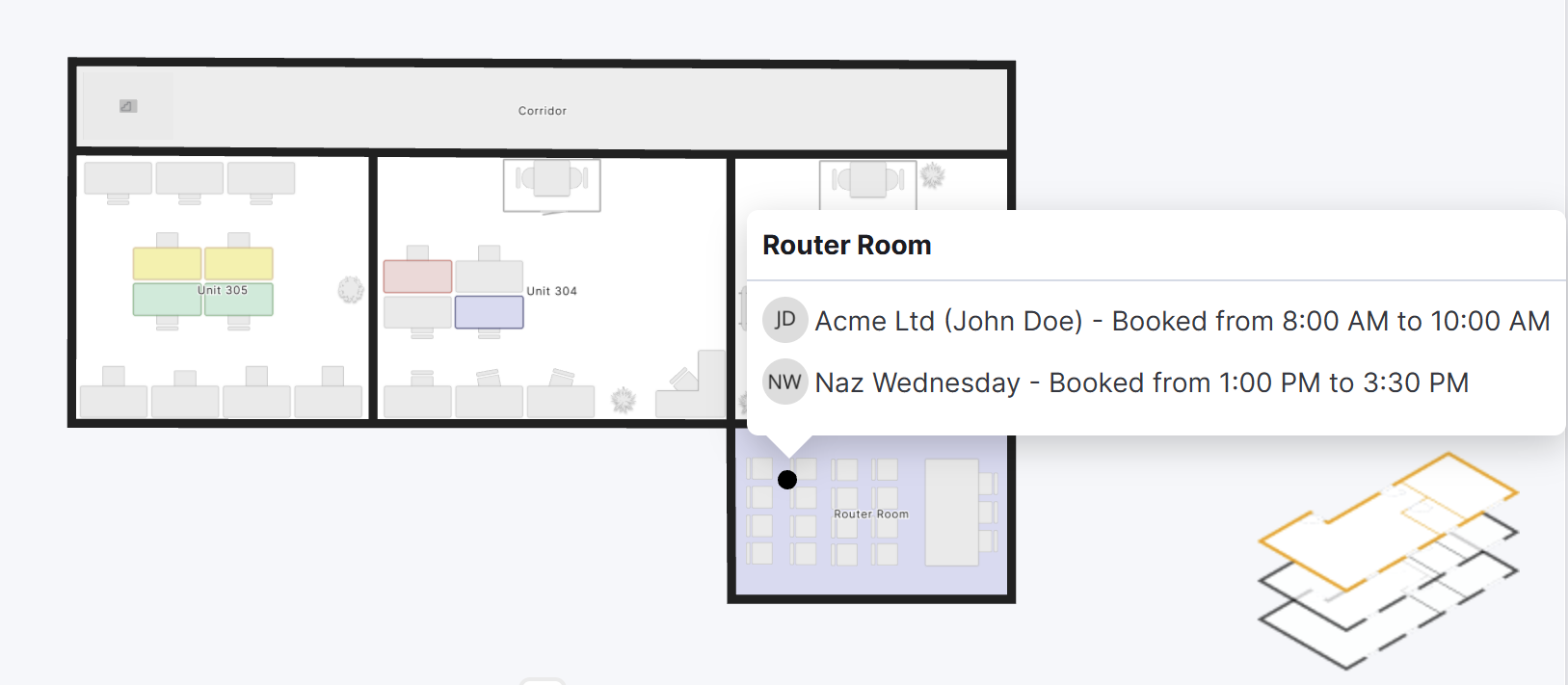
Units automatically switch back to Available if there is no booking scheduled that day.
🟡In a proposal (yellow)
Floor plan units are yellow when they're included in an active proposal. You can hover over any of the units to see the linked proposals.
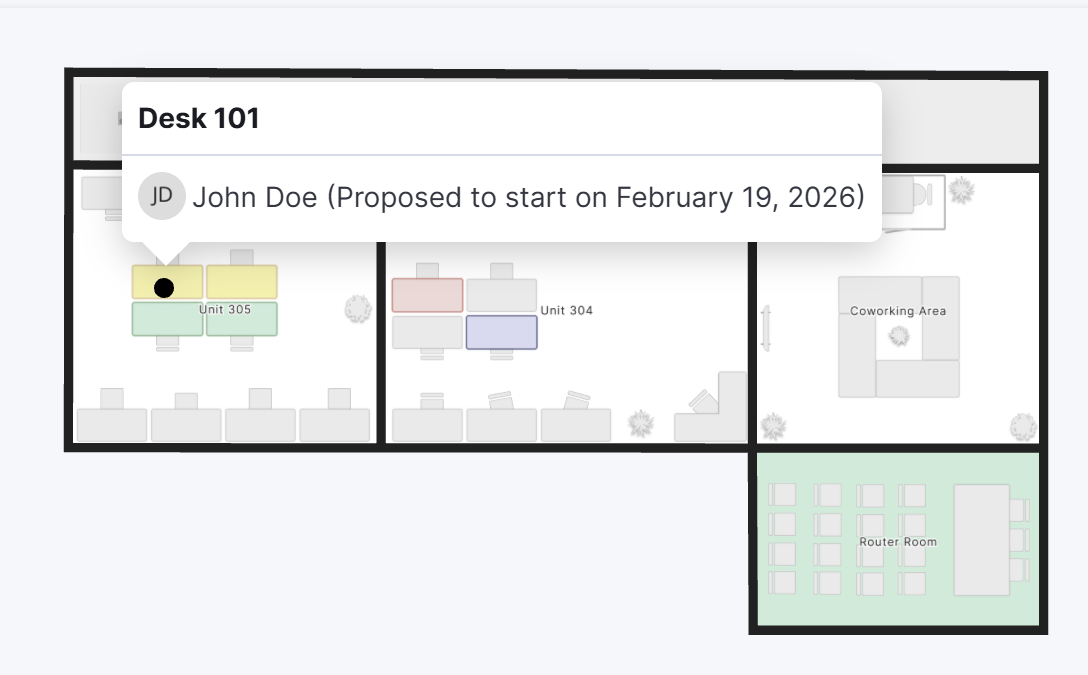
Units automatically switch back to Available if the proposal is rejected or expires. They automatically switch to Starting or Contracted if the proposal is accepted, based on the contract's start date.
⚪Not in service (grey)
Floor plan units are grey when they're set as not in service, or furniture elements that are not connected to a unit.
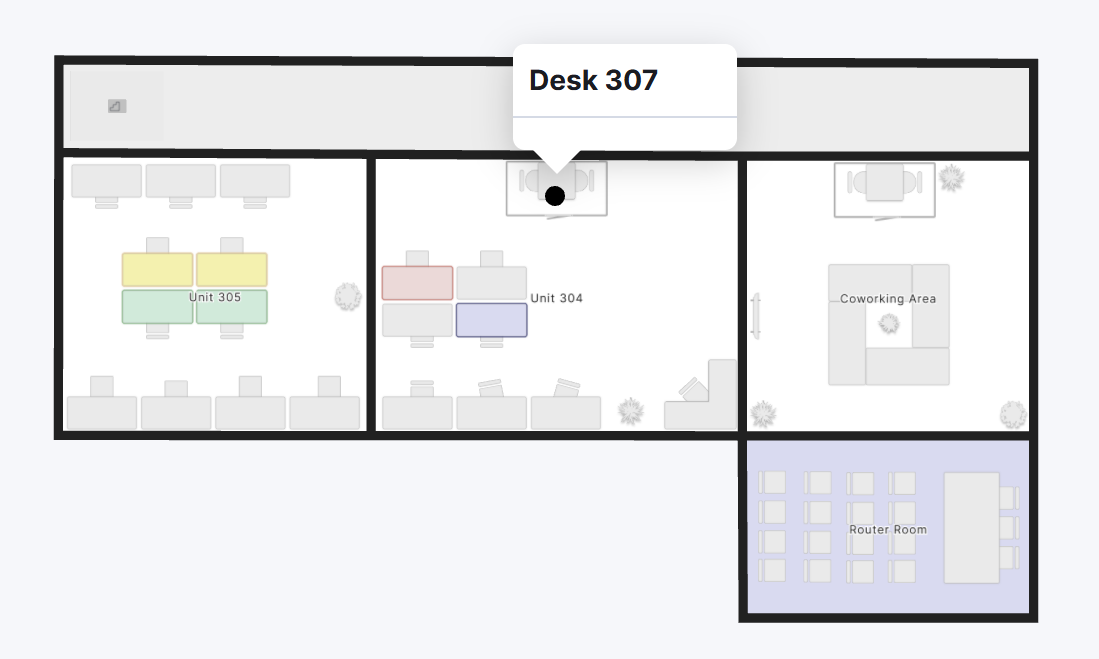
Every other unit that isn't linked to a bookable resource appears greyed out.