Customers can easily download files you've shared with them from the Account section of the Members Portal.
Log in to the Members Portal if you haven't already.
- Open the drop-down menu next to your icon.
- Select Account.
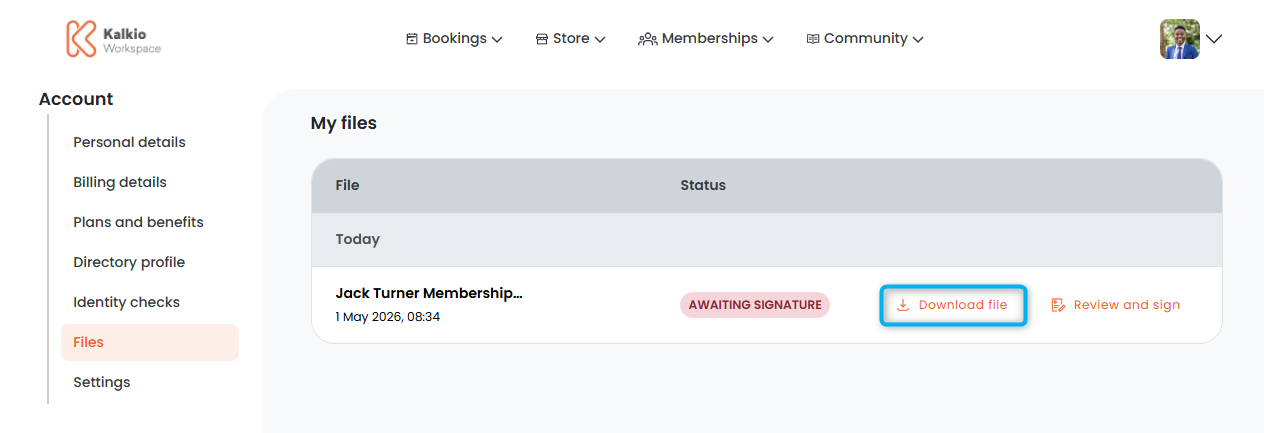
- Select Files.
- Click Download file next to the file you'd like to download.
Your download may take a few seconds.
All set! Customers can find their file in the Downloads folder of their device.