The Account tab under Settings > Sign-up and checkout on the Admin Panel lets you control what new customers can do on your Members Portal by default once they've signed up.
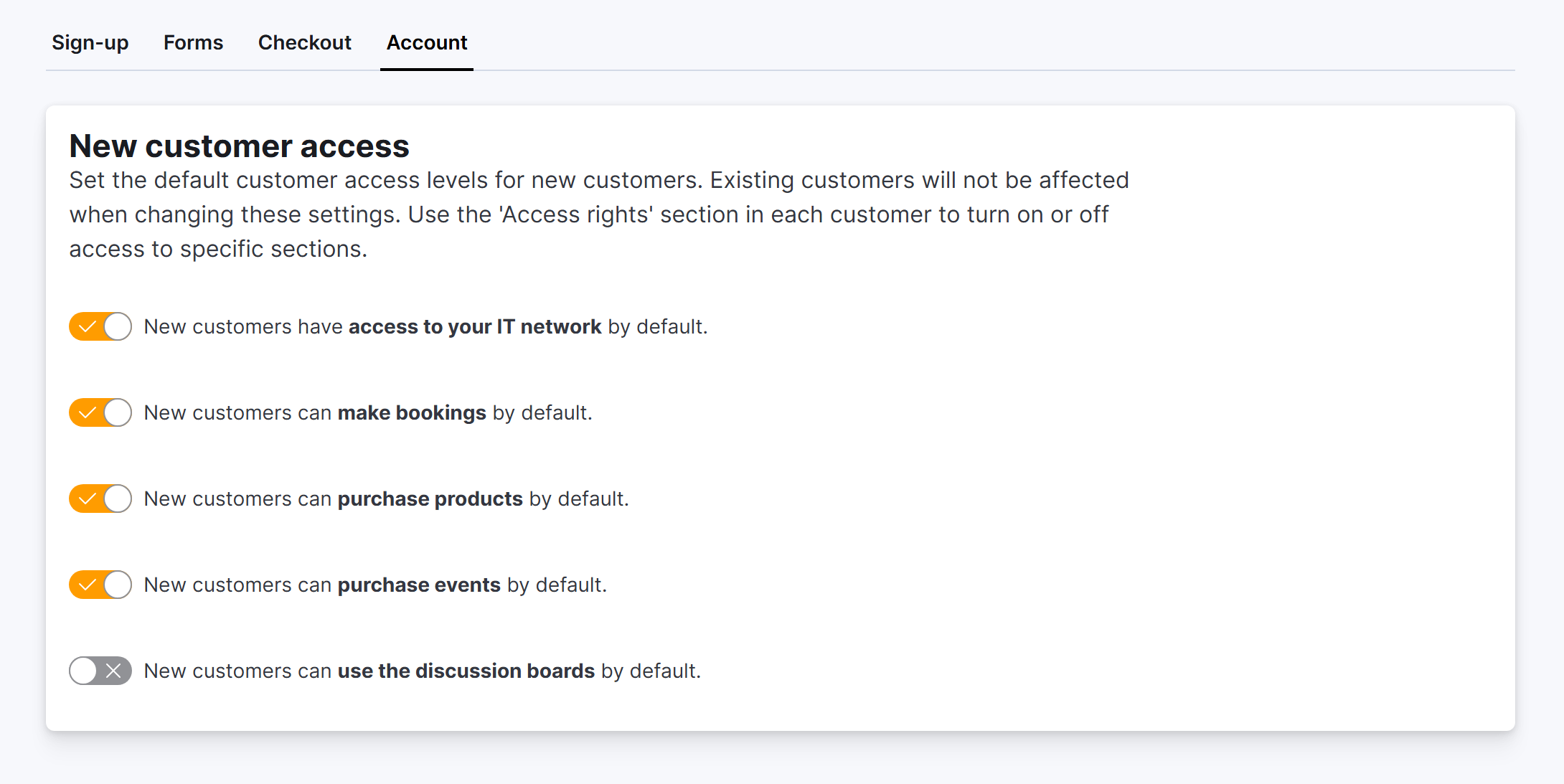
These settings will apply to all new customers only, contacts and members alike.
You can toggle any of the settings below on or off.
-
New customers have access to your IT network by default
-
New customers can make bookings by default
-
New customers can purchase products by default
-
New customers can purchase events by default
-
New customers can use the discussion boards by default
The way you restrict access for new customers depends on how you run your business.
For example, you can let any new customer make bookings and connect to your WiFi network, but limit their access to the discussion boards reserved for specific members.
If you'd like to change the level of access of existing customers, you can:
-
Find the relevant customer, and then click Account > Access rights to edit their account settings.
-
Use bulk edits to impact a larger group of customers in one go.