What are articles?
The Articles section lets you publish articles and other content to share with your customers.
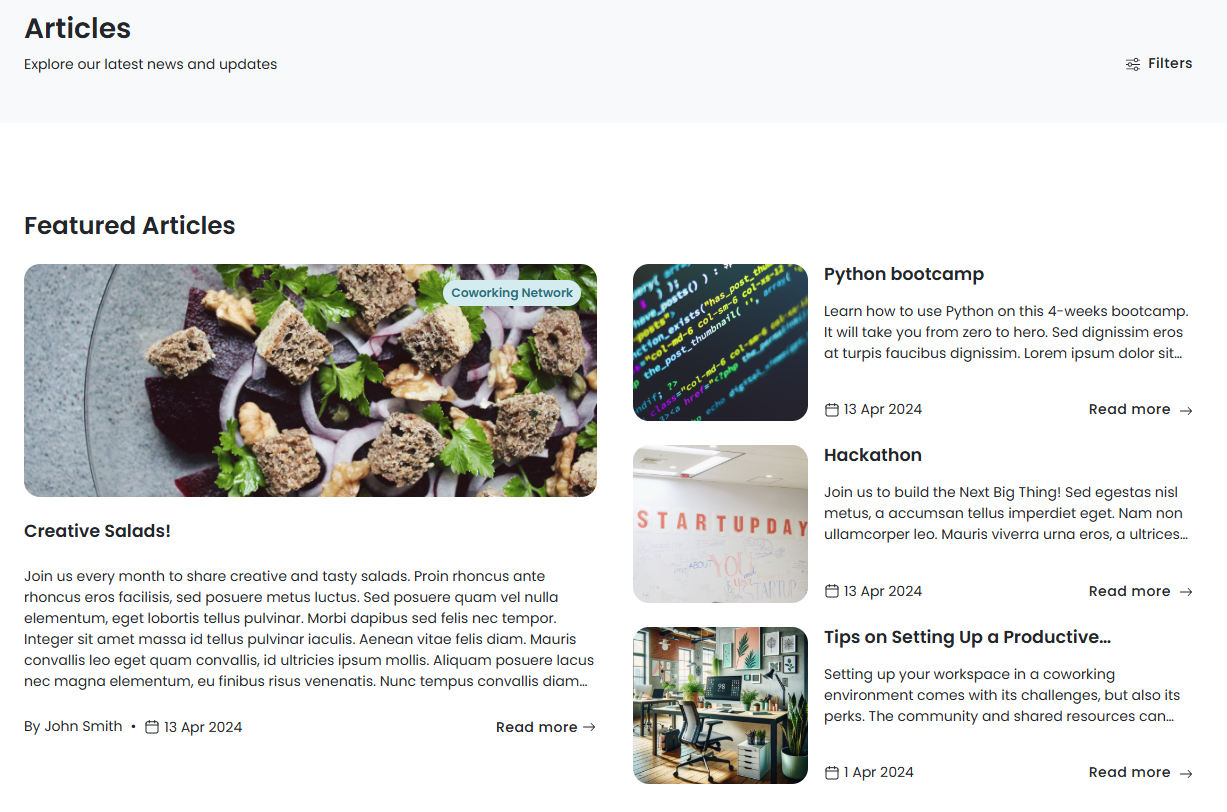
How articles work
You can publish articles from the Admin Panel to let customers read and comment on them from the Members Portal.
Enabling the articles section
You can easily enable the Articles section from the Admin Panel. Go to Settings > Website and click on the Features tab. Toggle on Enable the articles section.
You can also control who has access to the Articles section. Go to Settings > Website and click on the Access tab. Under Access to sections, you can restrict articles to the following customer groups:
- the public
- logged-in users
- members only
- contacts only
Finally, you'll need to define how customers can comment on articles. Go to Settings > Modules and click on the Articles tab.
Toggle on Let users post comments in articles if you want customers to be able to comment on articles you post.
Toggle on Automatically publish comments in articles if you want comments to be published automatically without your approval. If you keep this toggled off, you'll need to manually approve all comments on articles.
You can also enable and disable comments for individual articles.
One you've enabled the articles section and defined your access and comment settings, you can add articles and publish them to the Members Portal.
If you allow comments on your articles, customers can comment on articles from the Members Portal.