What is the Checkout Experience?
Customers check out whenever they make a purchase on the Members Portal. This includes:
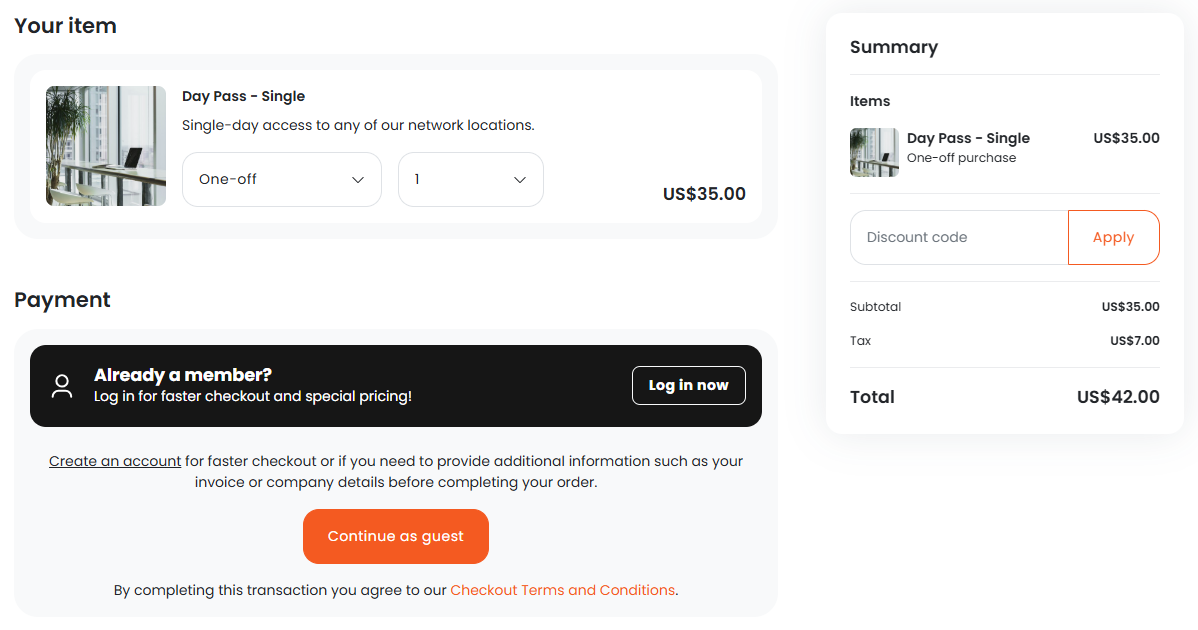
How does the Checkout Experience work?
The Members Portal's e-commerce-style design makes checking out easy. Customers making a quick booking or purchase can check out in just a few clicks. They can also add any combination of multiple bookings, products, event tickets, and paid courses to their cart and complete their entire purchase in a single transaction.
To set up your checkout experience, you'll need to integrate a payment method so that customers can pay for purchases. You can also define optional settings like enabling guest checkout and adding terms & conditions.
Setting up the Checkout Experience
The checkout flow is designed to be simple, but you can make the following customizations.
-
Choose a payment provider: You'll need to set up at least one payment method to allow customers to make purchases. This is a required customization.
-
Enable guest checkout: You can let customers make bookings, purchase event tickets, and purchase products without benefits.
If you want to disable guest checkout, you'll need to make certain customizations to your default sign-up form.
- Add checkout terms & conditions: You can add terms & conditions that customers have to agree to in order to complete the checkout process.
For more information, check out Setting up your Checkout Experience.