What are plans?
The Plans section of the Members Portal lets customers browse and sign up to memberships in your space.
Plans in Nexudus are memberships or subscriptions to your space. They usually include benefits such as day passes or time credits that allow members to access and book resources in your space.
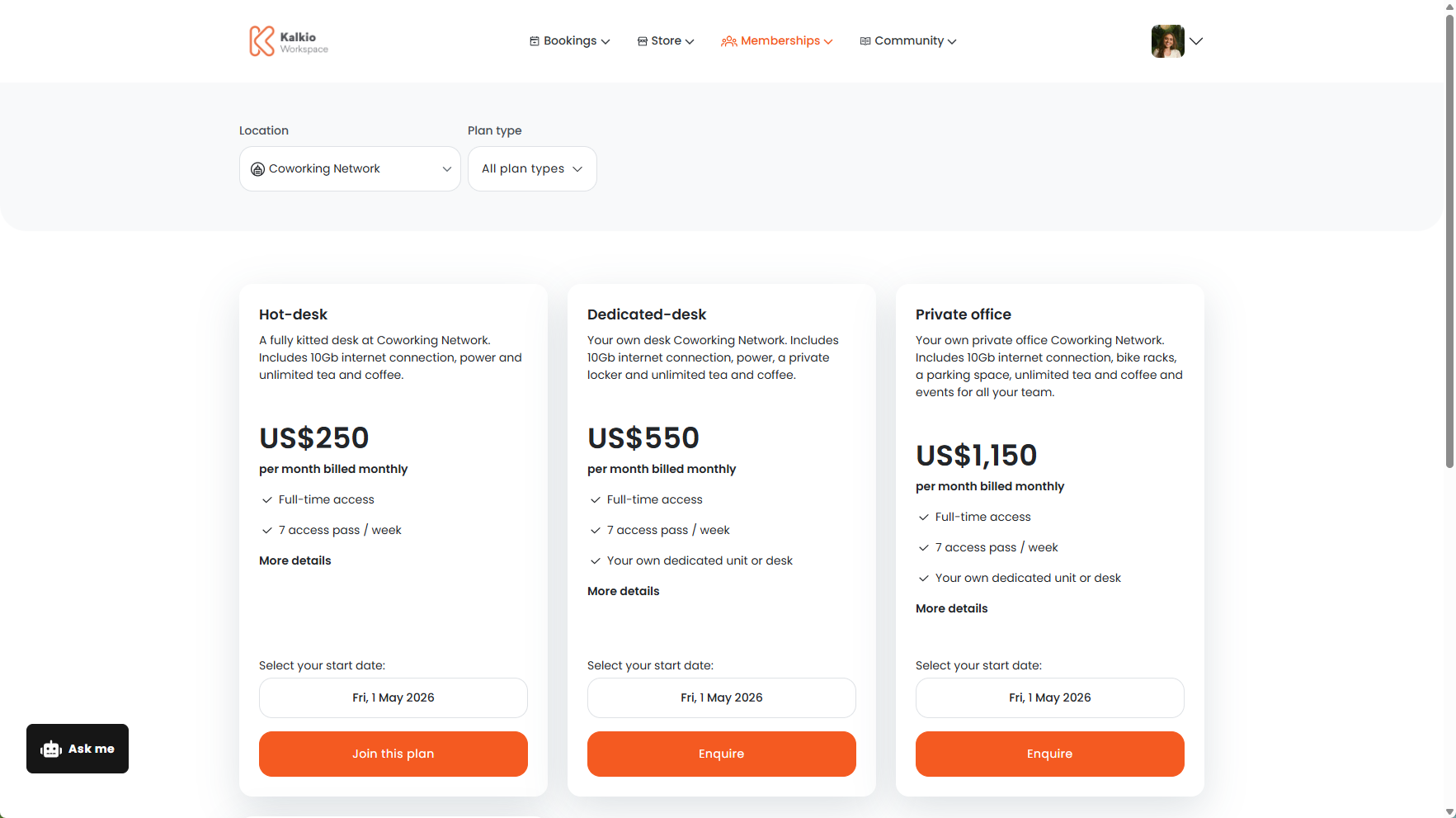
How the plans section works
You can make any plans you offer available on the Members Portal for customers to purchase.
Customers can browse plans by plan kinds. Once customers have chosen a plan they like, they can sign up directly on the Members Portal.
If they'd like more information before signing up, they can also make a plan enquiry.
The Plans section is available by default on the Members Portal as long as you have at least one published plan. You can disable the plans section by unpublishing all of your plans from the Members Portal.
You can customize certain settings such as what information you collect from customers when they sign up and how plans are grouped on the portal.
Setting up the plans section
We recommend treating these steps as an audit for your space. You can also make sure you're taking advantage of all the new features added in Version 5.
Setting up your Plans section on the Members Portal is a simple two-step process.
First, you can customize your plan sign-up form. The sign-up form controls what information you collect from customers when they sign up to a plan.
Then, you can publish plans on the Members Portal.
For more information, check out Setting up Plans.