What is the Contact Form?
The contact form allows customers to send you messages if they’d like to know more about your space.
For example, a customer wants to know if you have free parking at your space.
How does the Contact Form work?
Customers can send you a message from the Contact Us button on your website. They’ll simply need to enter their name, email address, and message. They can optionally include their phone number.
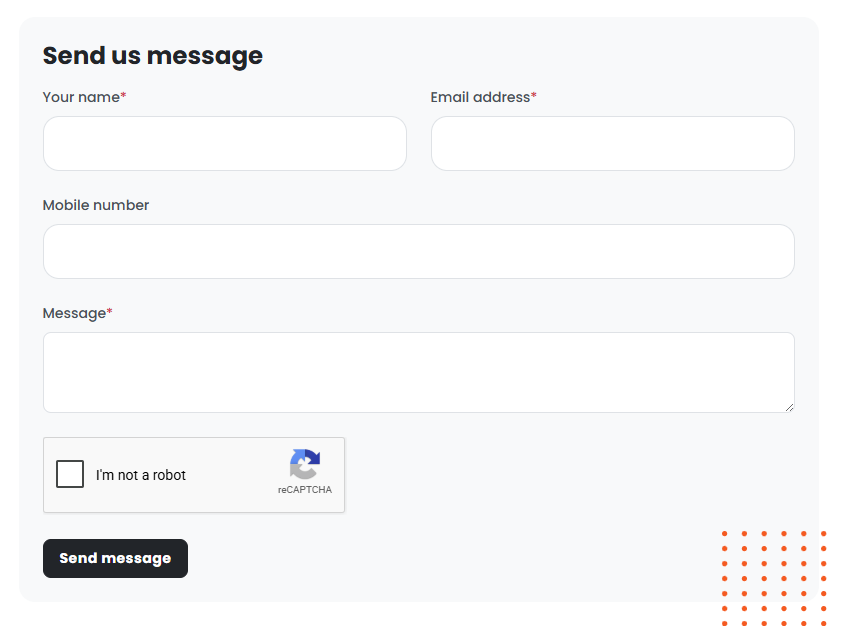
You can't add or remove fields from the contact form.
Once a customer submits a message, you’ll receive a notification and can reply from the Contact Form section on the Admin Panel.
Setting up Contact Forms
To set up contact forms, you simply need to toggle on Enable the contact form section under Settings > Sign-up and checkout on the Admin Panel.
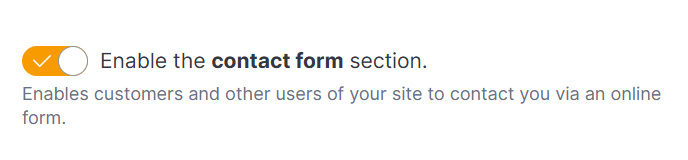
Once you've enabled the contact form, customers can submit messages from the Members Portal.