What are events
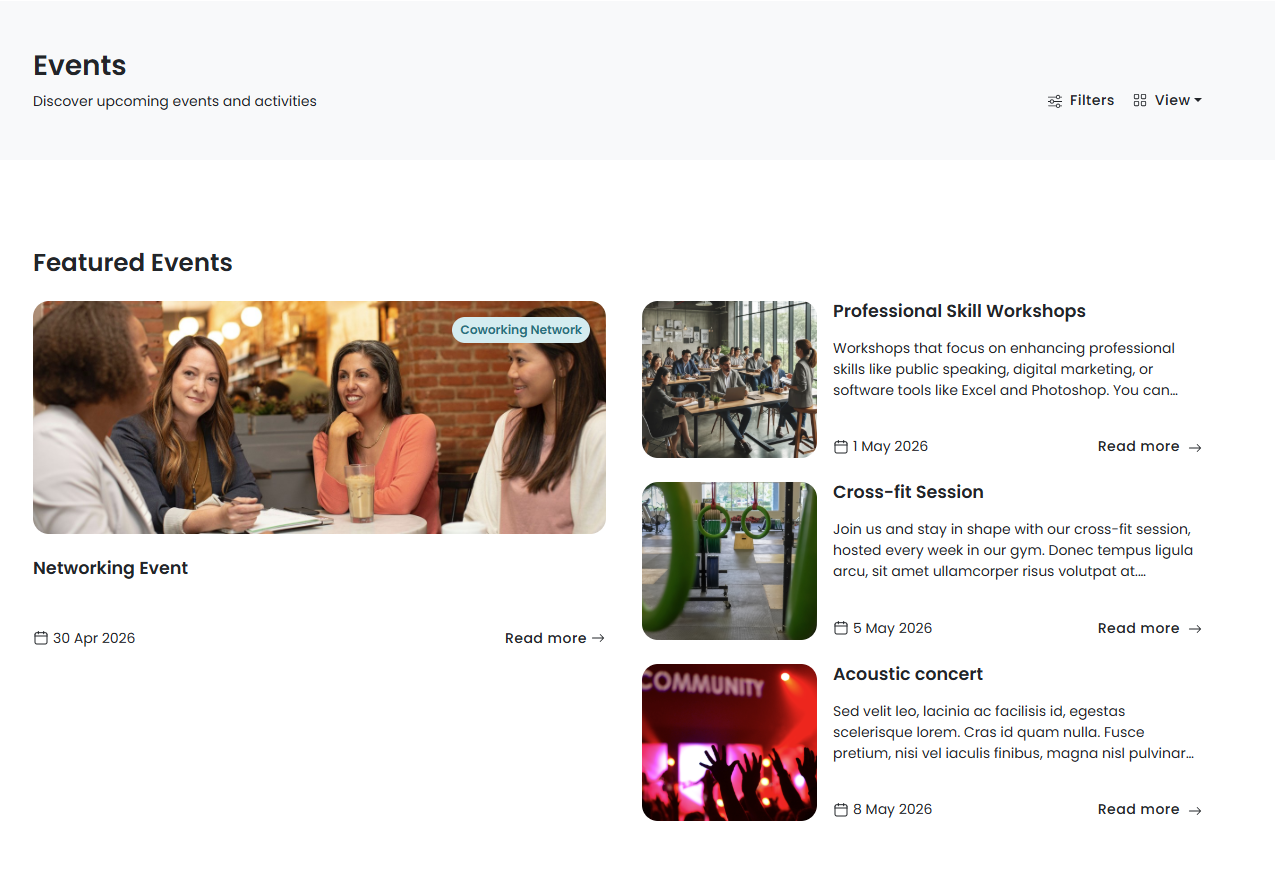
The Events section of the Members Portal lets customers see what events are happening in your space and RSVP. Events are a great way to build community in your space and offer networking opportunities to your customers.
Check out Event Tickets on Members Portal 5.
How do events work?
You can create events on the Admin Panel and publish them to the Members Portal.
Once you've published events to the Members Portal, customers can find events they're interested in and leave comments.
Enabling the events section
The Events section isn't enabled by default. You can enable the Events section from Settings > Website > Features on the Admin Panel.
If you want to sell tickets to your events on the Members Portal, you'll also need to configure your event ticket settings. You can make event tickets free if you simply want to use them to let customers RSVP or limit attendance.
If you want to let customers comment on events to leave feedback or ask questions, you can enable this for each event in its publishing settings.