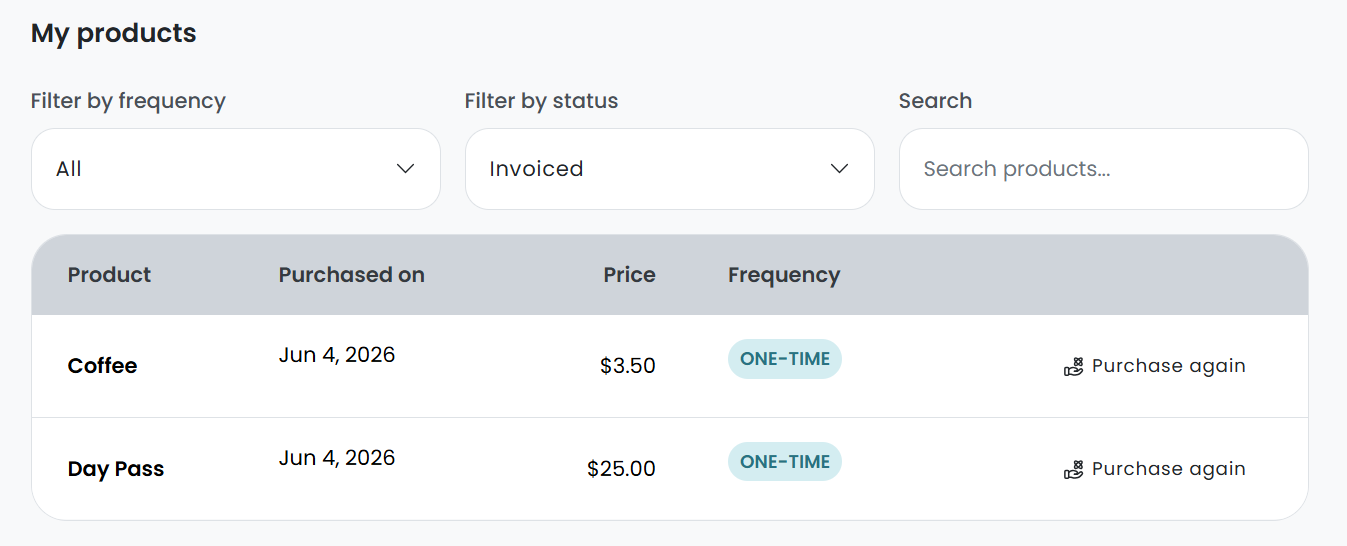
Customers can easily purchase products from the Store. Products can be purchased on a one-off or a recurring basis.
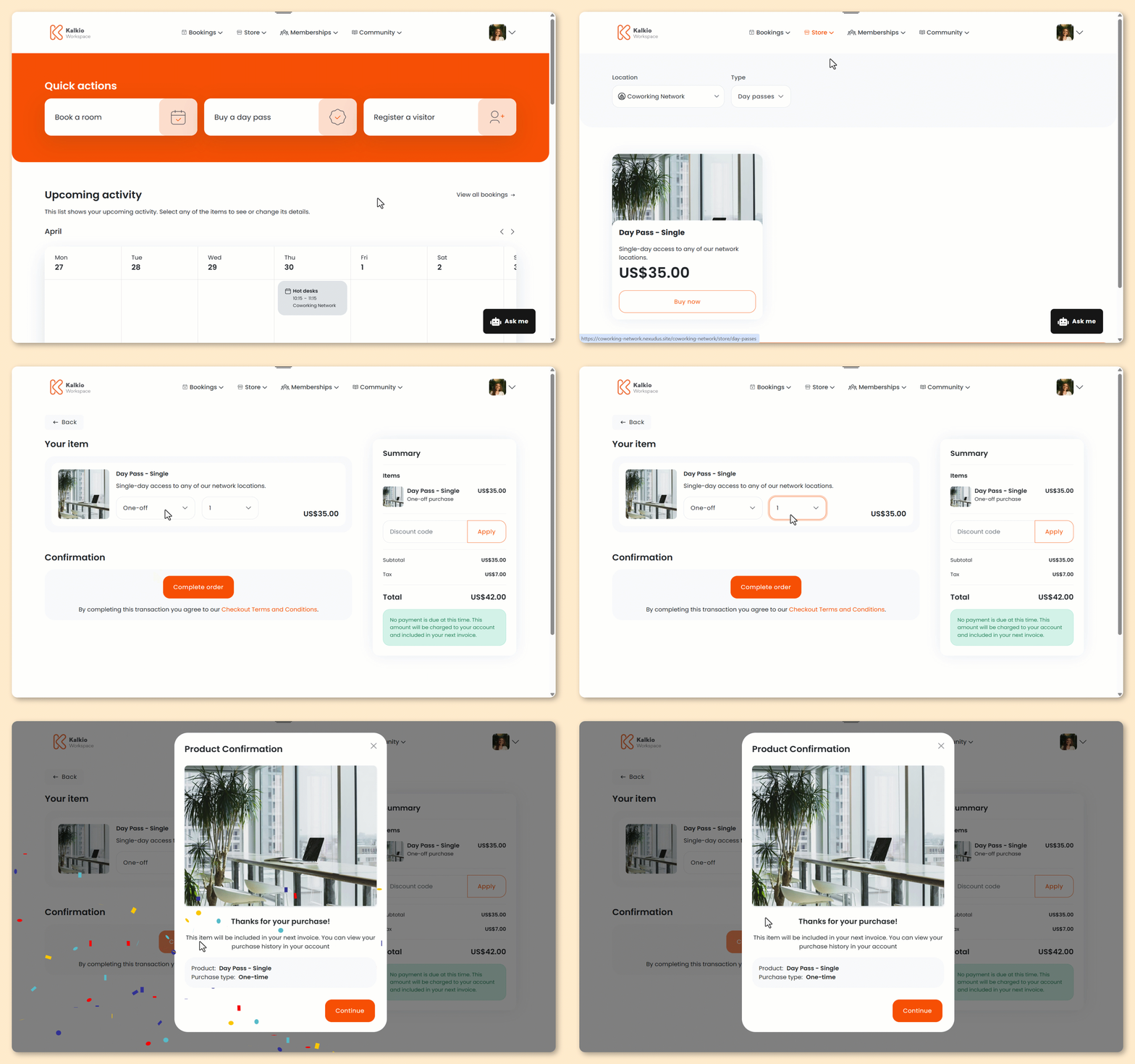
Your portal may look slightly different if you've made customizations.
- From anywhere on the Members Portal, click the Store tab.
- Select what kind of product you’d like to purchase.
If your space doesn’t offer a specific kind of product, it won’t be available in the navigation.
- Under the product you’d like to purchase, select Buy now.
You’ll be taken to the checkout screen.
-
Select whether you’d like to purchase the product as a one-off or add it to a plan.
-
Select the quantity you’d like of the product.
-
Add payment details if necessary.
- you're using guest checkout
- you're a contact without payment details on file
- you're a member without payment details on file and upfront payments for products are enabled
If you plan to add more items to your cart, you can wait to add your payment details until you're ready to check out.
- Click Submit payment to check out immediately or Add to cart if you'd like to add more items first.
Your product will remain in your cart for 30 minutes and won't be reserved until you check out.
If it sells out, you'll need to remove it from your cart before completing your purchase.
All set! Customers can view their purchased products under Account > Plans and benefits > My products.