You can sell the following to customers directly on the Members Portal:
- Bookings: time reserved in your space's resources
- Plans: memberships to your space
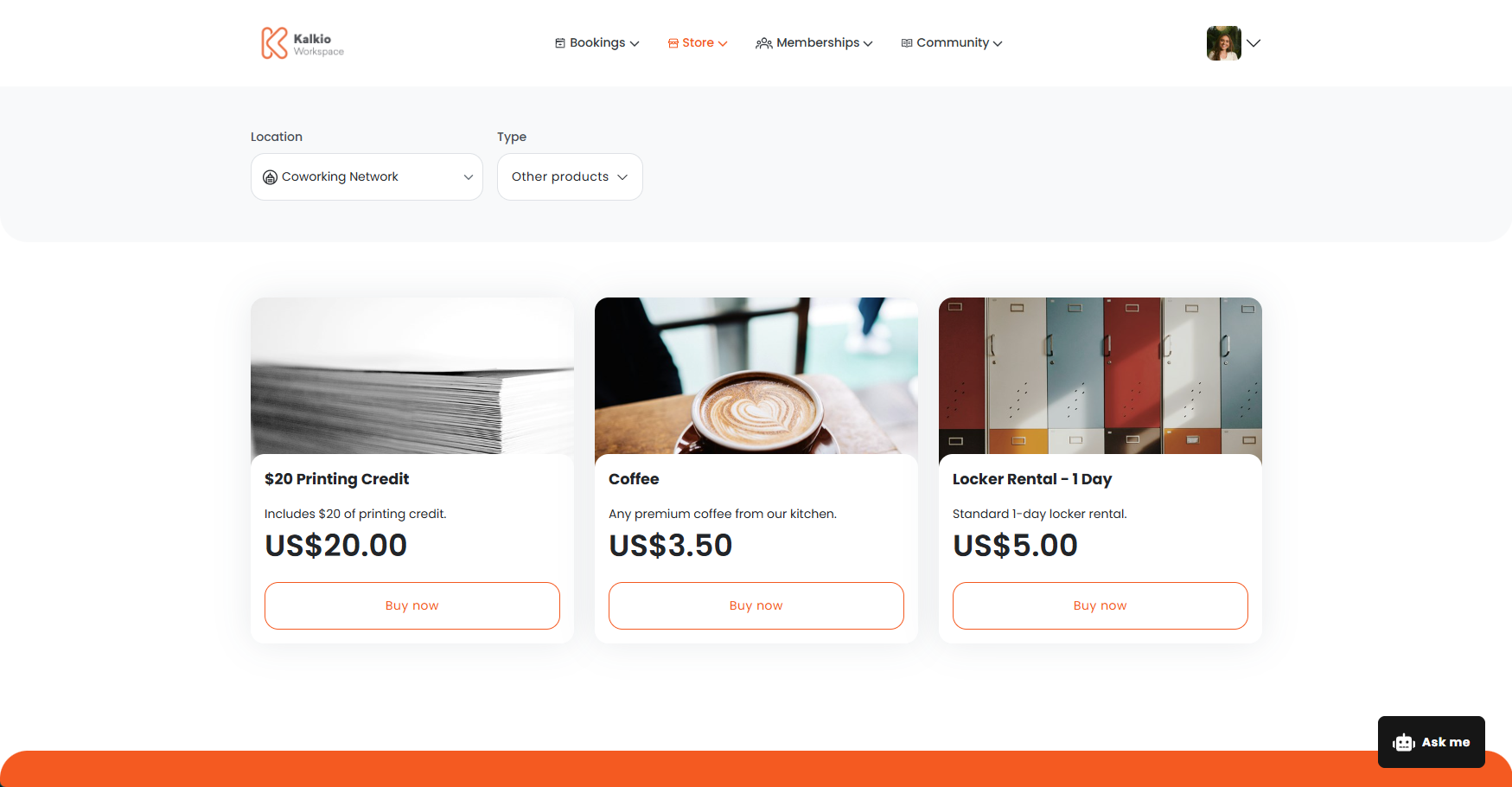
- Products: access to your space, or additional goods and services such as locker rentals or parking permits
- Event tickets: tickets to events at your space
Selling on the Members Portal is a two-step process. First, you need to decide what you want to sell and configure each section. Then, you'll need to set up your sign-up and checkout experience.
We recommend treating these steps as an audit for your space. You can also make sure you're taking advantage of all the new features added in Version 5.
Step 1: Decide what you want to sell
The first step is to decide what you want to sell. The Bookings section is always enabled on your portal, and you can optionally enable the Plans, Products, and Events sections according to what your space offers.
For example, you can choose to only enable the bookings and plan sections if your space doesn't offer products or event tickets.
Once you've decided what you want to sell, you'll need to configure each section's settings.
For example, you'll need to define separate cancellation policies for bookings and event tickets.
Bookings
Customers can book resources in just a few clicks.
Plans
Customers can sign up to plans directly from the Members Portal.
Products
Customers can purchase access to your space, locker rentals, parking spaces, and other products from the Store.
Event Tickets
Customers can purchase tickets to events happening at your space.
Once you've enabled and configured each section, the next step is to set up your sign-up and checkout experience.
Step 2: Set up your sign-up and checkout experience
No matter what you decide to sell, you need to set up your sign-up and checkout experience.
Signing Up
You can enable sign up to let new customers create an account directly on the Members Portal.
Your sign-up settings control:
- if customers can sign up from the Members Portal
- the information you collect from customers when they create an account
- what actions customers can take after creating an account
Checking Out
Customers check out whenever they make a booking or purchase on the Members Portal, even if the purchase is free or paid entirely by credits.
Your checkout settings control:
- the payment providers you use
- whether you allow guest checkout
- what information you collect from customers when they make specific purchases
- your checkout terms and conditions
For more information, check out Sign up and Checkout.