You can migrate from any version of the Members Portal you currently use in a few steps from the Admin Panel.
Step 1. Customize your portal
Step 2. Let your customers know about the changes
Step 3. Update your SSL certificates and domain
Step 4. Launch your new portal
We recommend following the flow outlined above for a simple and easy migration.
Step 1. Customize your portal
The first step of the migration process is to customize your portal. We already pull information from your Branding settings to start things off.
The main caveat of the migration is that any customization you have implemented via Settings > Web templates editor will be lost.
This may seem like a significant downside but version 5 is built to be easy to customize. No developer experience needed!
We recommend you simply head over to We have a handy playlist and documentation to help you get to grips with the editor and build your brand new portal.
We recommend you to contact support to discuss your options
Step 2. Let your customers know about the changes
The third step of the process is to make sure you schedule some communications for your customers, to let them know a rebrand is coming.
You can use any channel of your choice, but Nexudus has a series of built-in options, including announcements and reminders.
For more information, check out our guidance.
Step 3. Update your SSL certificates and domain
This step is crucial to the migration as it allows to move your domain or subdomain over to the latest version.
We've streamlined the process to make it quick and easy.
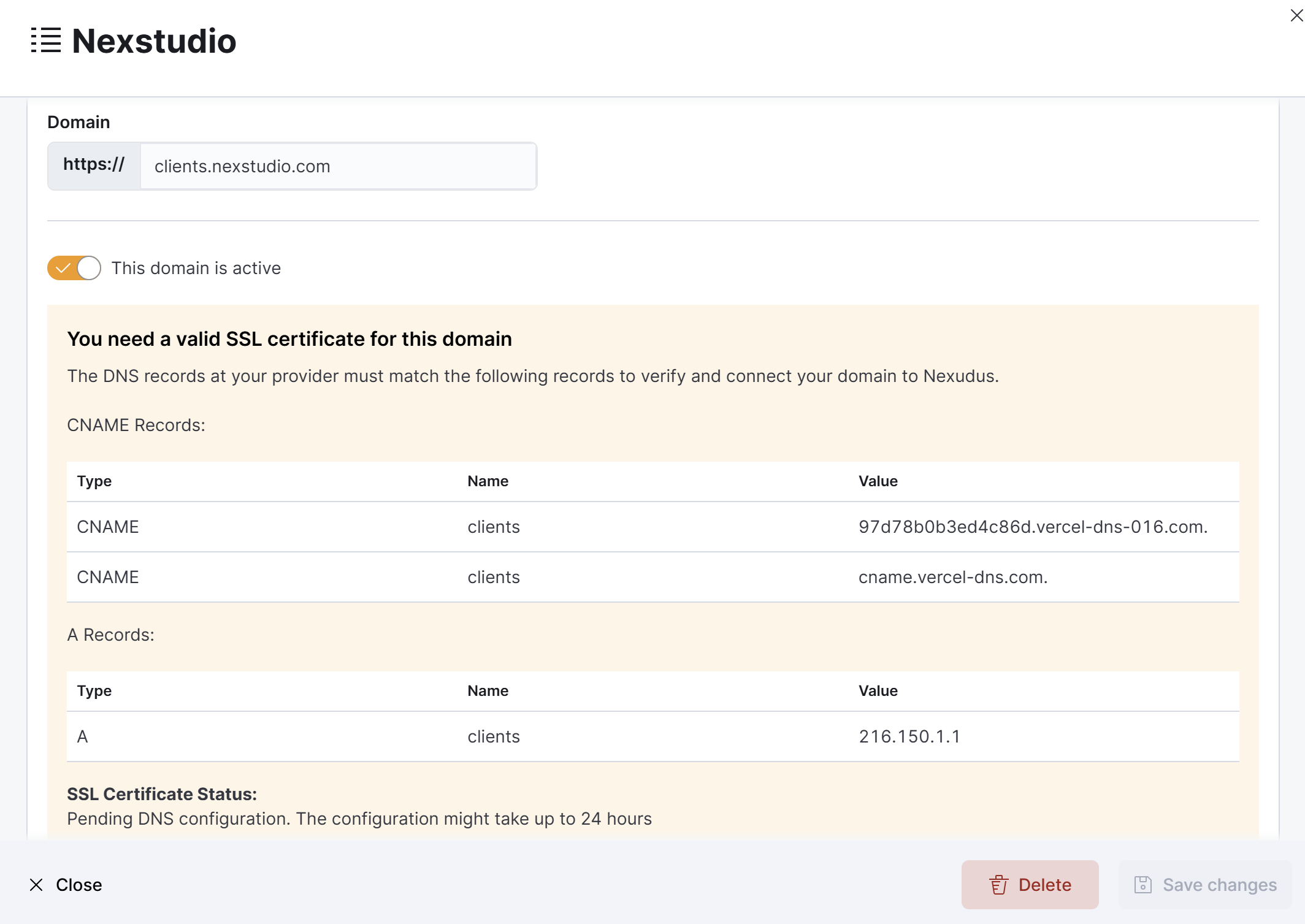
This ensures any potential downtime won't impact your customers.
Step 4. Launch your new portal
Once you've completed all the previous steps, you're ready to launch your portal. Actually moving to version 5 takes a few minutes, so try to flip the switch outside of core business hours.