You can also control access settings for other pages for Version 5 and earlier versions of the Members Portal.
The Account menu visibility tab under Settings > Website lets you control which pages customers can see after logging in to the Members Portal. These pages are visible by default.
For example, if your space doesn't allow visitors, you can hide the Visitors page.
These pages are a great way to let customers control their account without needing to contact admins. If you'd prefer to have admins make these changes, you can hide these pages from customers.
For example, if you hide the Team section, team admins will need to contact you to onboard new team members.
The sections below let you know which pages you can hide and what they control.
- Team pages
- Account pages
- My activity pages
- Building data pages
Team pages
Team pages let team members coordinate office attendance and team bookings. Team admins can also use these pages to manage certain team settings.
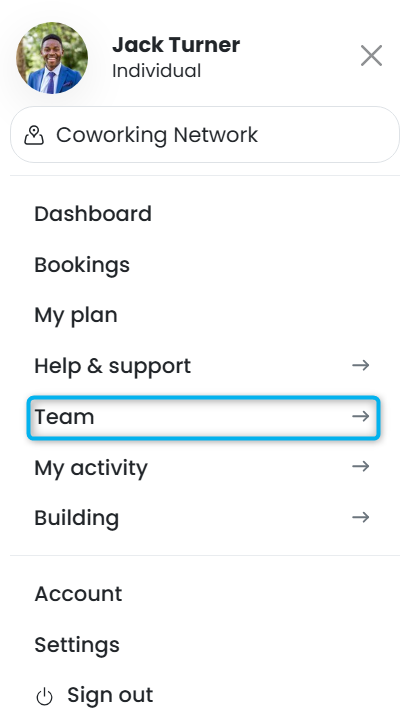
Hiding these pages makes them inaccessible to all team members, including team admins.
For example, team admins won't be able to edit team permissions if you hide the Permissions page. They'll need to ask you to edit them from the Admin Panel.
| Page | Details |
|---|---|
| Members | This page lets team members see who's a part of their team. Team admins can also use this section to onboard and offboard team members. |
| Bookings | This page lets team members see a list of all the bookings made by team members. |
| Profile | This page lets team admins publish a team profile in the directory. This page can only be visible to team admins. |
| Attendance | This page lets team members see the attendance of other team members. |
| Permissions | This page lets team admins manage the permissions of other team members and access their accounts. This page can only be visible to team admins. |
Account pages
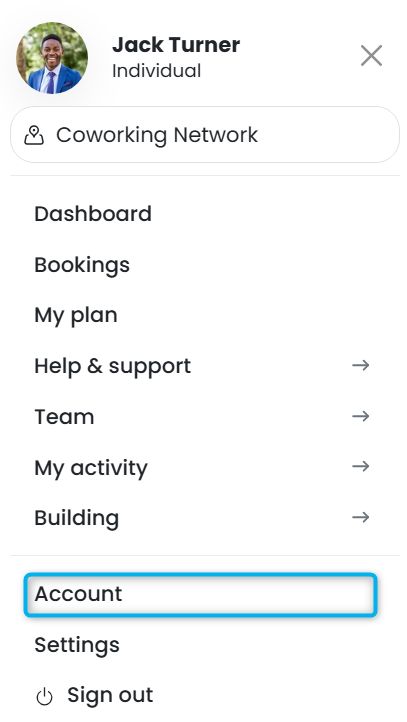
Account pages let customers manage their account details and other settings. They can also use this section to access identity checks and files.
| Page | Details |
|---|---|
| Personal details | This page lets customers manage their personal details. |
| Billing details | This page lets customers manage their billing details. |
| Payment methods | This page lets customers add and update their payment methods. |
| Plans and benefits | This page lets customers view and manage their plans and benefits. |
| Virtual office | This page lets customers manage their virtual office settings. This page can only be visible to virtual office customers. |
| Directory profile | This page lets customers publish their profiles in the Members Portal directory. |
| Identity checks | This page lets customers submit identity and address checks. |
| Files | This page lets customers access and sign files you share with them from the Admin Panel. |
| Settings | This page lets customers manage their Members Portal settings. |
My activity pages
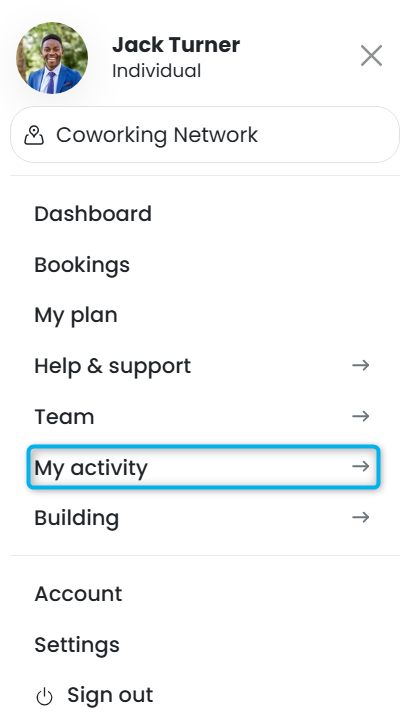
My activity pages let customers manage their activity, such as paying invoices and editing bookings.
| Page | Details |
|---|---|
| Invoices | This section lets customers view and pay their invoices. If you hide this section, customers won't be able to pay their invoices from the Members Portal. |
| Bookings | This section lets customers view and manage their bookings. |
| Visitors | This section lets customers invite visitors and mange their visits. |
| Deliveries | This section lets customers manage their deliveries. |
| Events | This section lets customers manage their event tickets. |
| Courses | This section lets customers access their courses. |
Building data pages
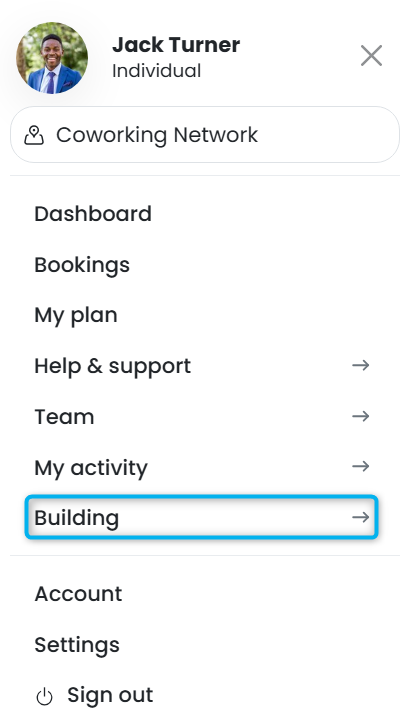
Building data pages let customers see availability and environmental data you share about your space.
| Page | Details |
|---|---|
| Availability | This section lets customers see how busy your space is throughout the day and throughout the week. |
| Environment | This section lets customers see occupancy and temperature data by resource. |