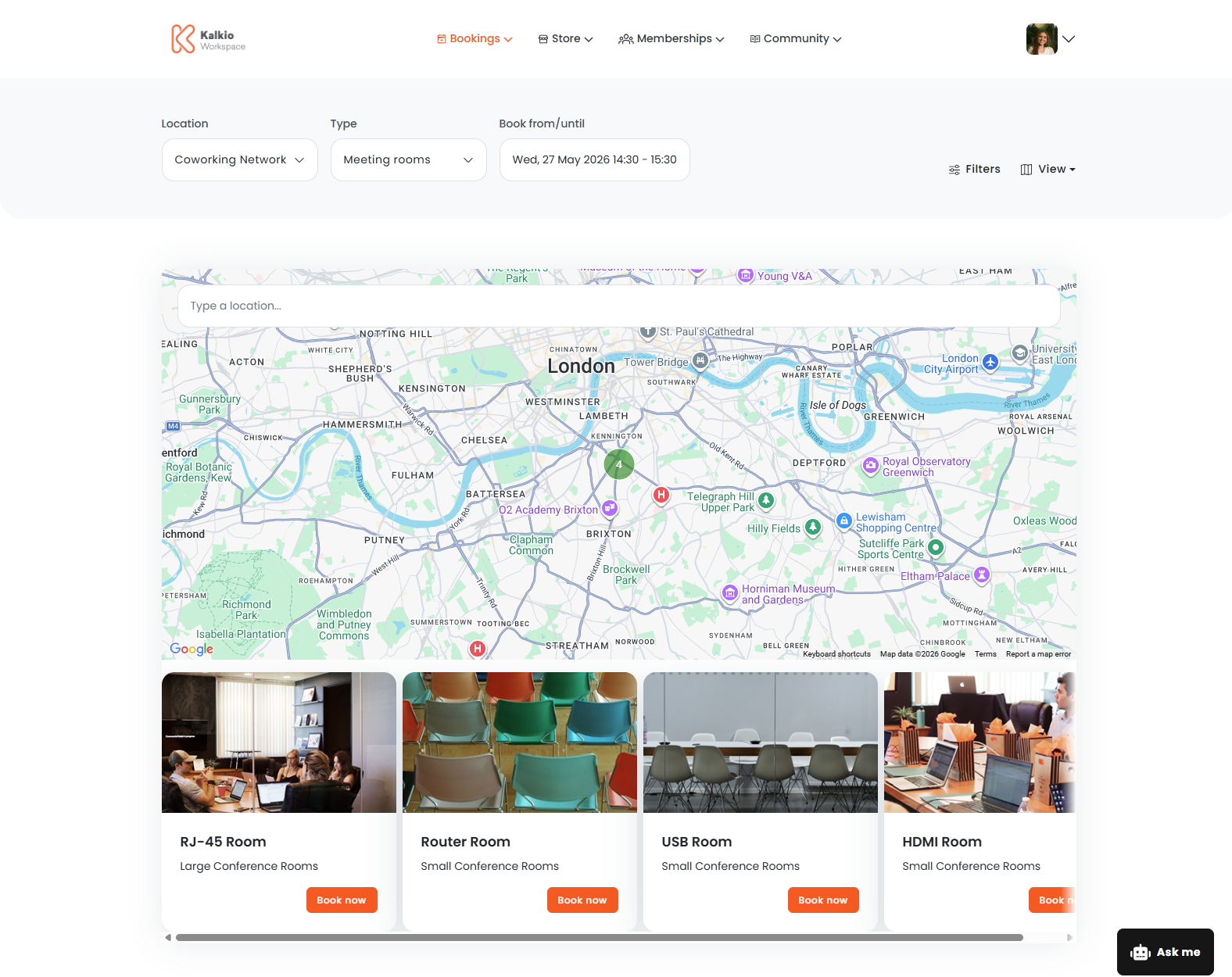
Standard bookings let customers fully customize their booking experience, from selecting a resource to final details like inviting guests and adding products.
For example, a customer can browse all available meeting rooms, select the one they like best, invite guests and add catering products.
Customers have four ways of selecting a resource when making a standard booking.
- List view
- Calendar view
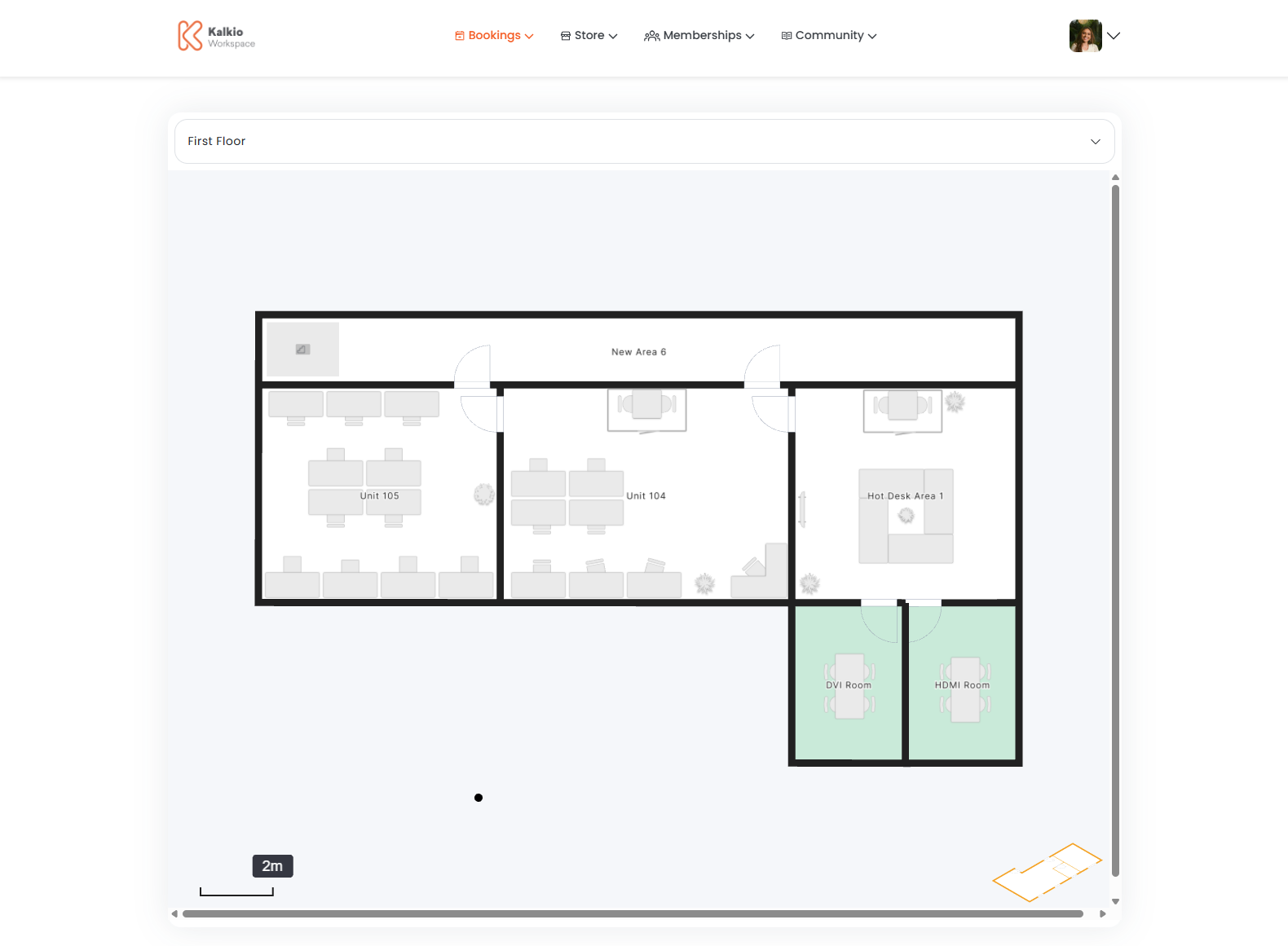
- Floor plan view
- Map view
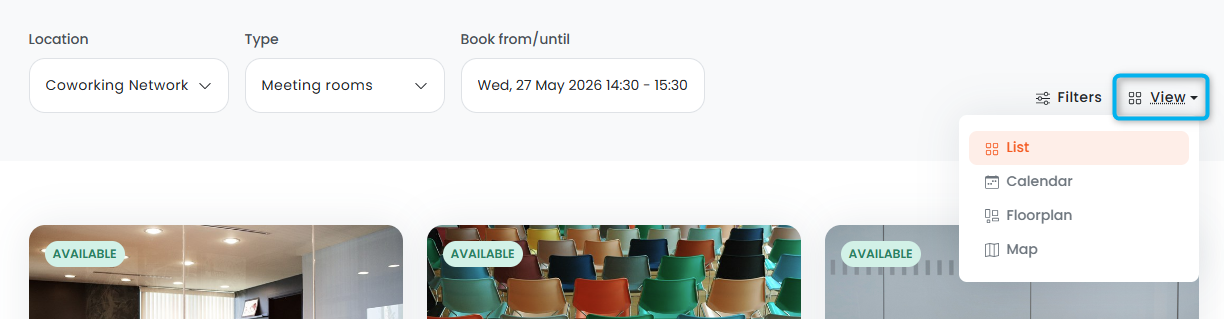
The List view is the default view. Customers can choose a new view through the View menu.
Customers can only make instant bookings through the List view.
For example, if your space only has one location, you may want to hide the Map view.
List View
The List view lets customers select a resource from a classic card layout.
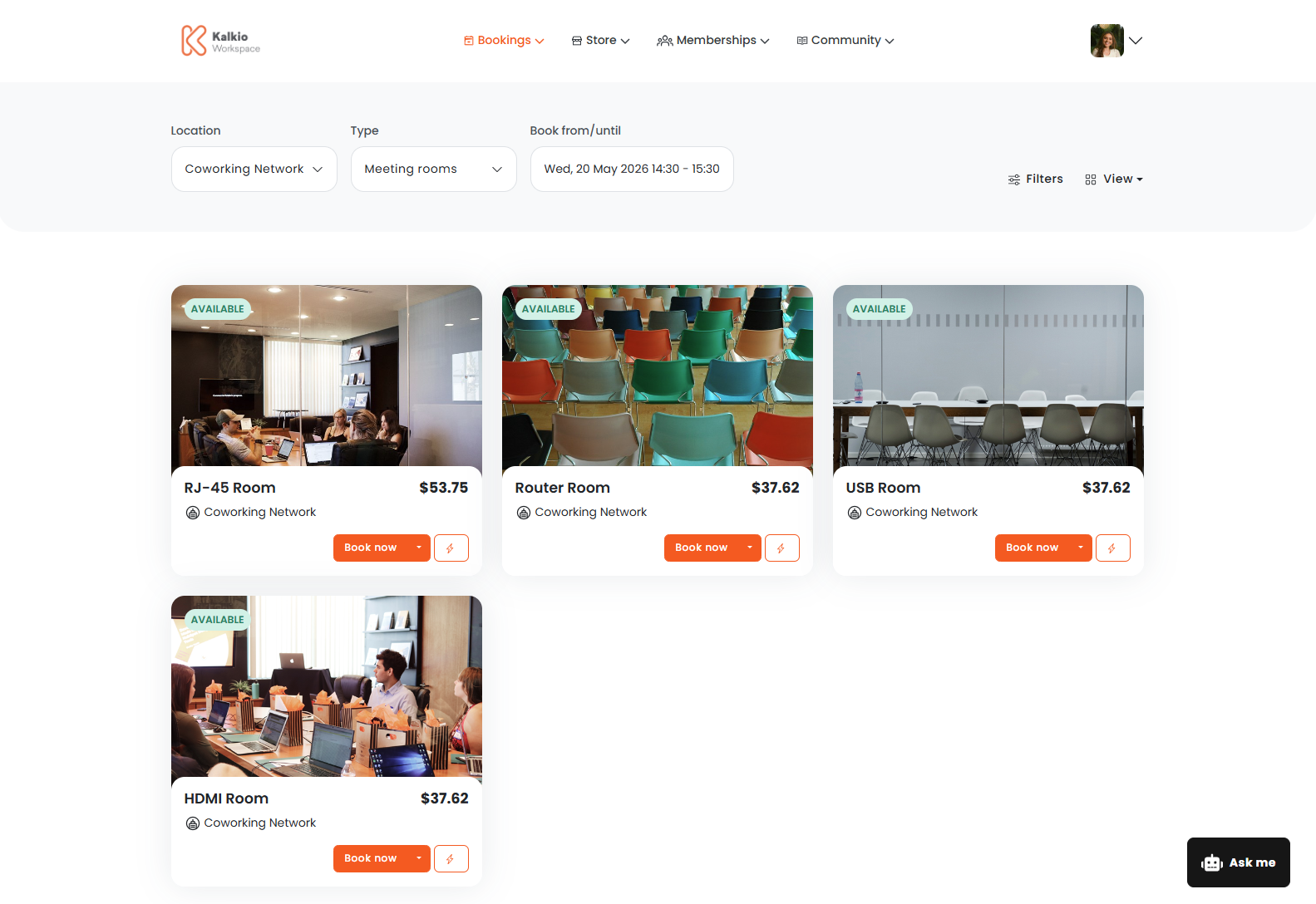
Customers can also make instant bookings through the List view.
Calendar View
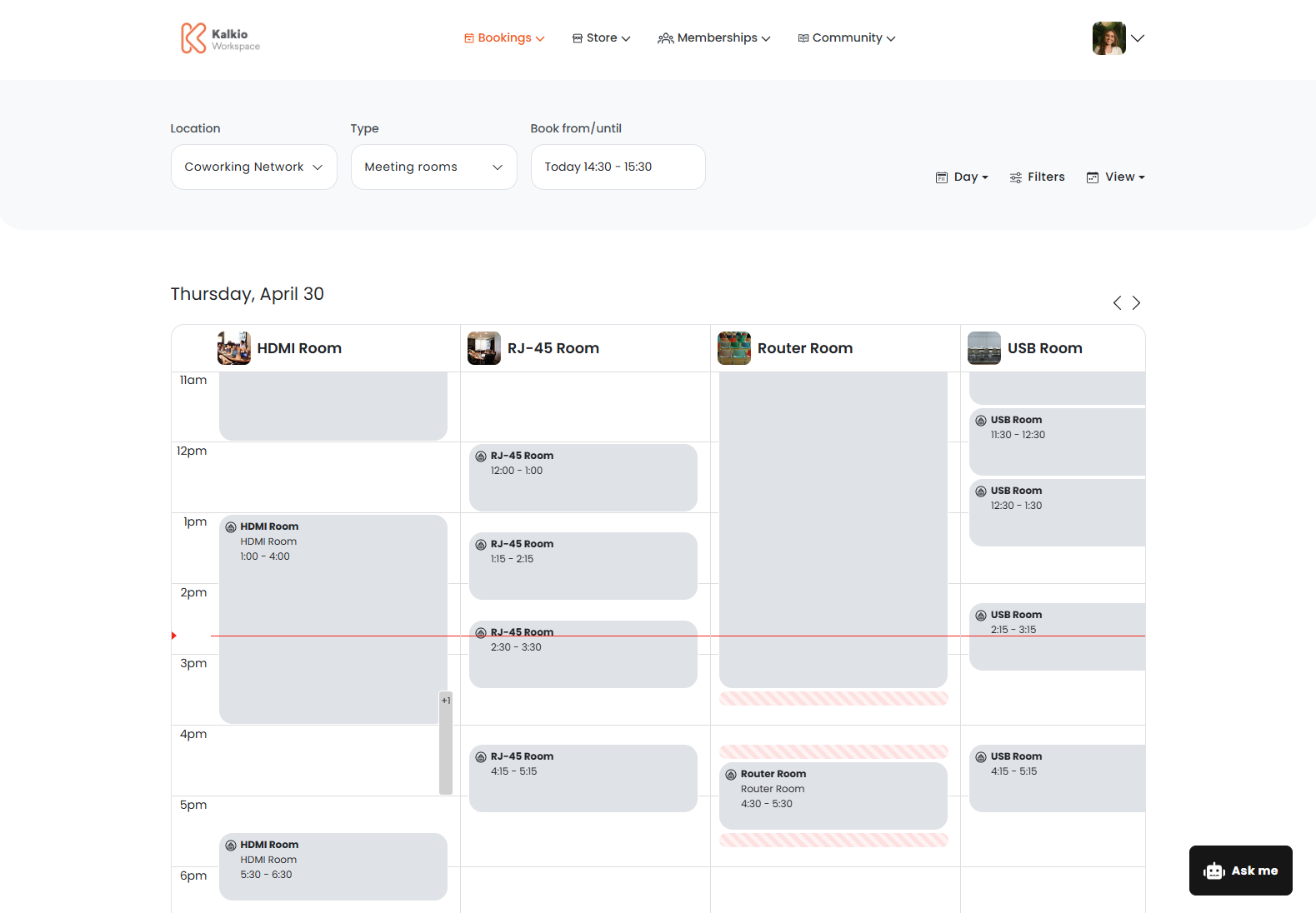
The Calendar view lets customers select a resource based on its availability on the calendar.
Floor Plan View
The Floor plan view lets customers select a resource based on its location in your space.
Map View
The Map view lets customers select a resource from a geographic location on a map. This is useful if your space has multiple locations and customers want to choose the one that's most convenient for them.