Customers can easily unlock doors in your space with a few taps on the Passport app. You simply need to set up one of our access control integrations and assign customers to the correct access group.
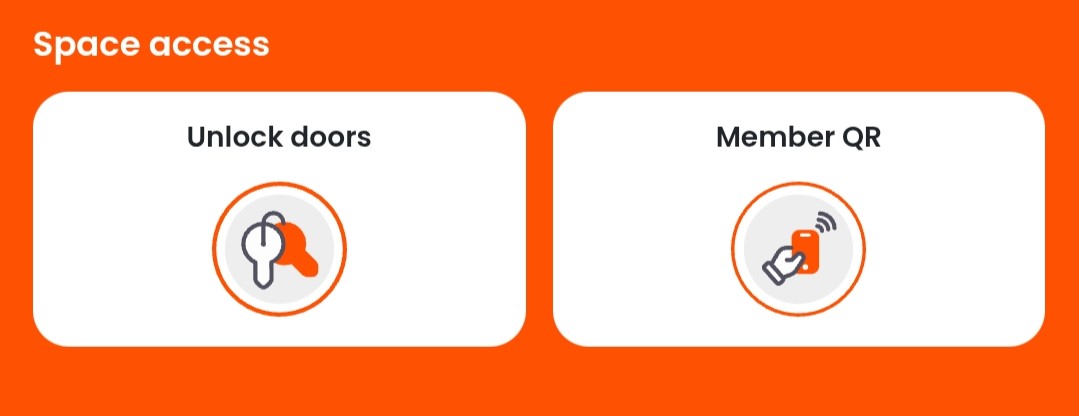
Customers will see the Unlock doors tile on their dashboard the next time they open the app.
How customers unlock doors may vary slightly depending on which access control integration and hardware you use.
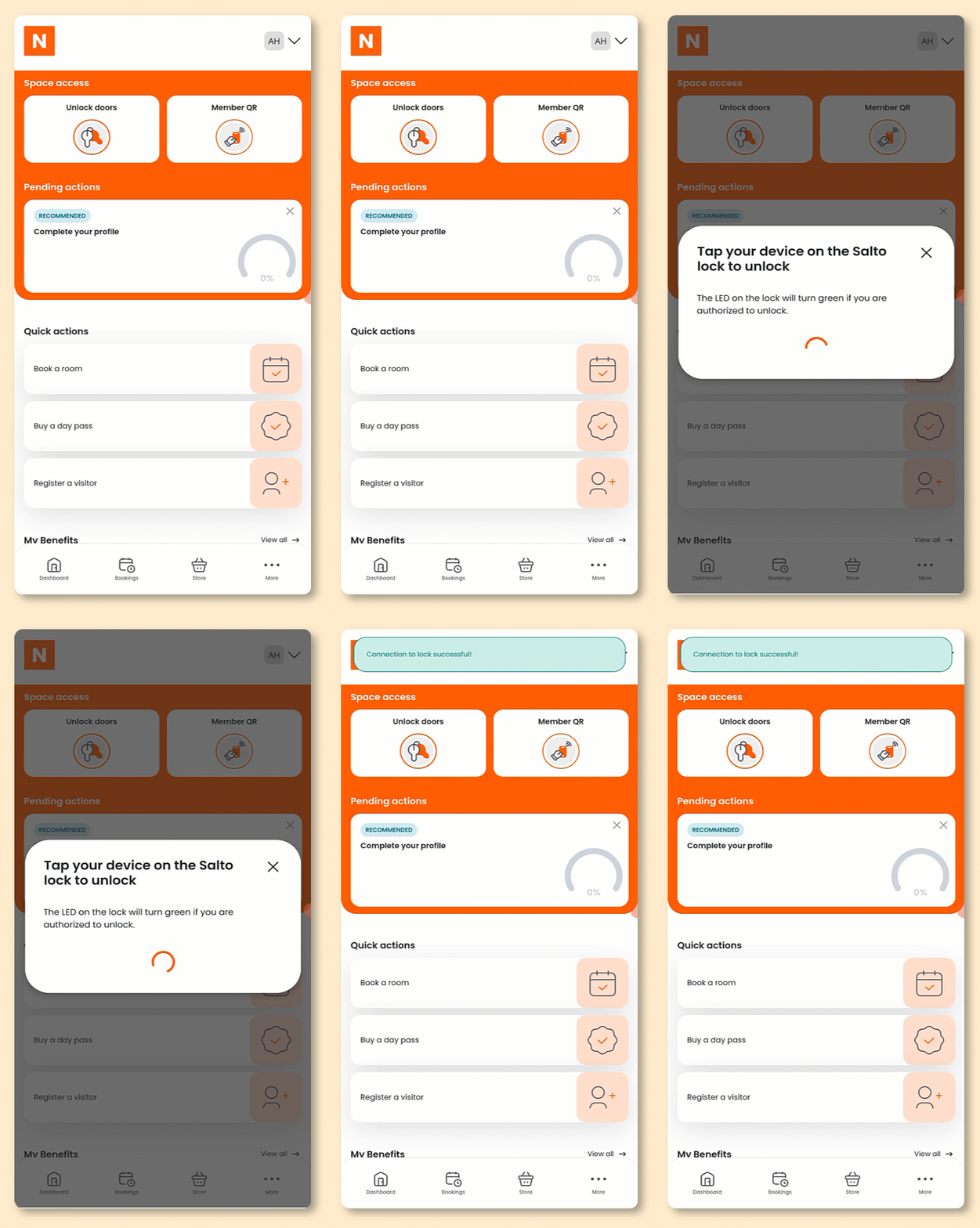
Open the Passport app if you haven't already.
- Tap Unlock door with [integration].
- Hold your phone next to the reader.
All set! The door should unlock within a few seconds.
If the door doesn't open, make sure you have the right pass or booking for the space you're trying to unlock. You can view your passes in the Plans and benefits section and your bookings in the Bookings section of the Passport app.
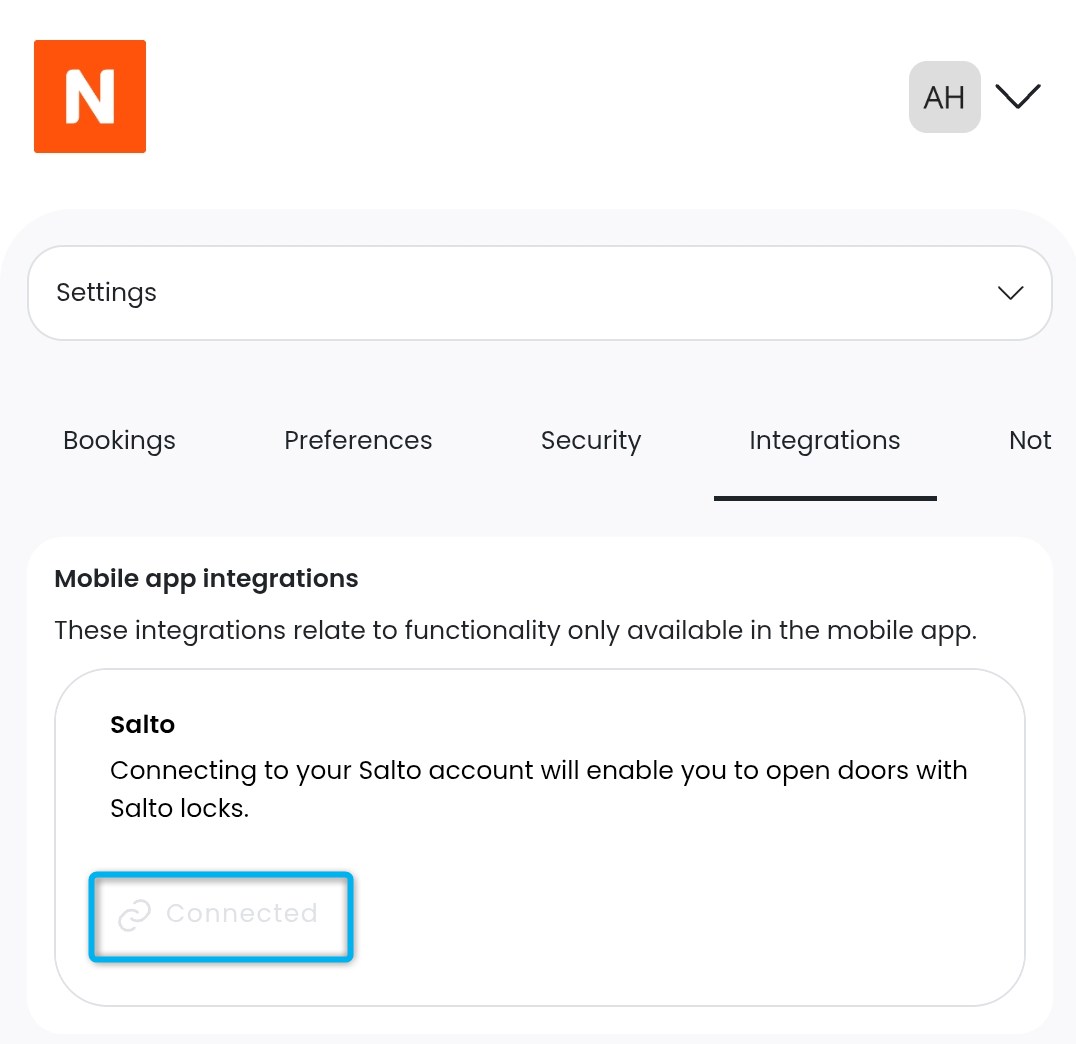
If you're still unable to unlock the door, tap Access Control from the drop-down menu next to your icon. You can see whether or not the integration is connected.
If you're still experiencing issues, contact your admin.