The Members Portal is an important tool to promote your space and show potential customers why they should join.
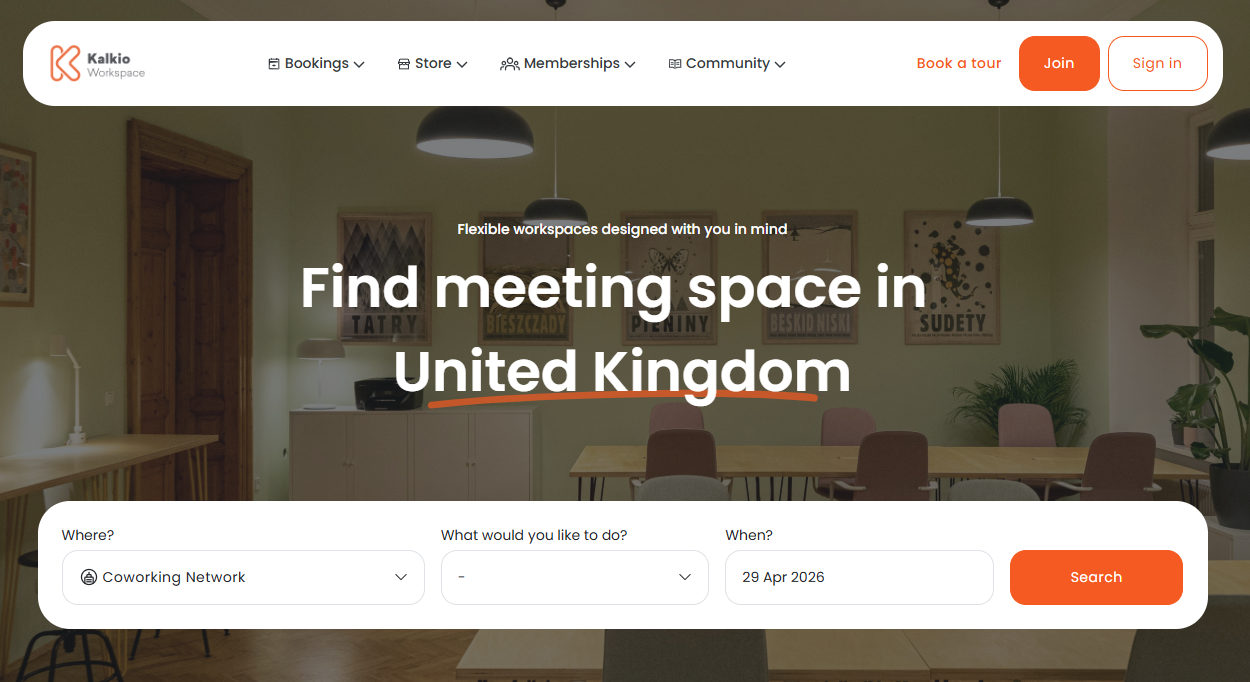
Looking Around
You can configure your access settings to control which sections of the portal are available for potential customers to view and which sections are members-only.
For example, you may want public users to see what events are happening at your space while restricting discussion boards to logged-in users only.
Portal Access
Let customers take a look around your portal to see what your space has to offer.
Getting in Touch
The Members Portal offers several ways for customers to contact you for more information. You can let them know why they should join and start the onboarding process.
Tours
Let customers book a visit to experience your space in person.
Plan Enquiries
Let customers contact you for more information about specific plans.
Contact Forms
Let customers message you with general questions about your space.