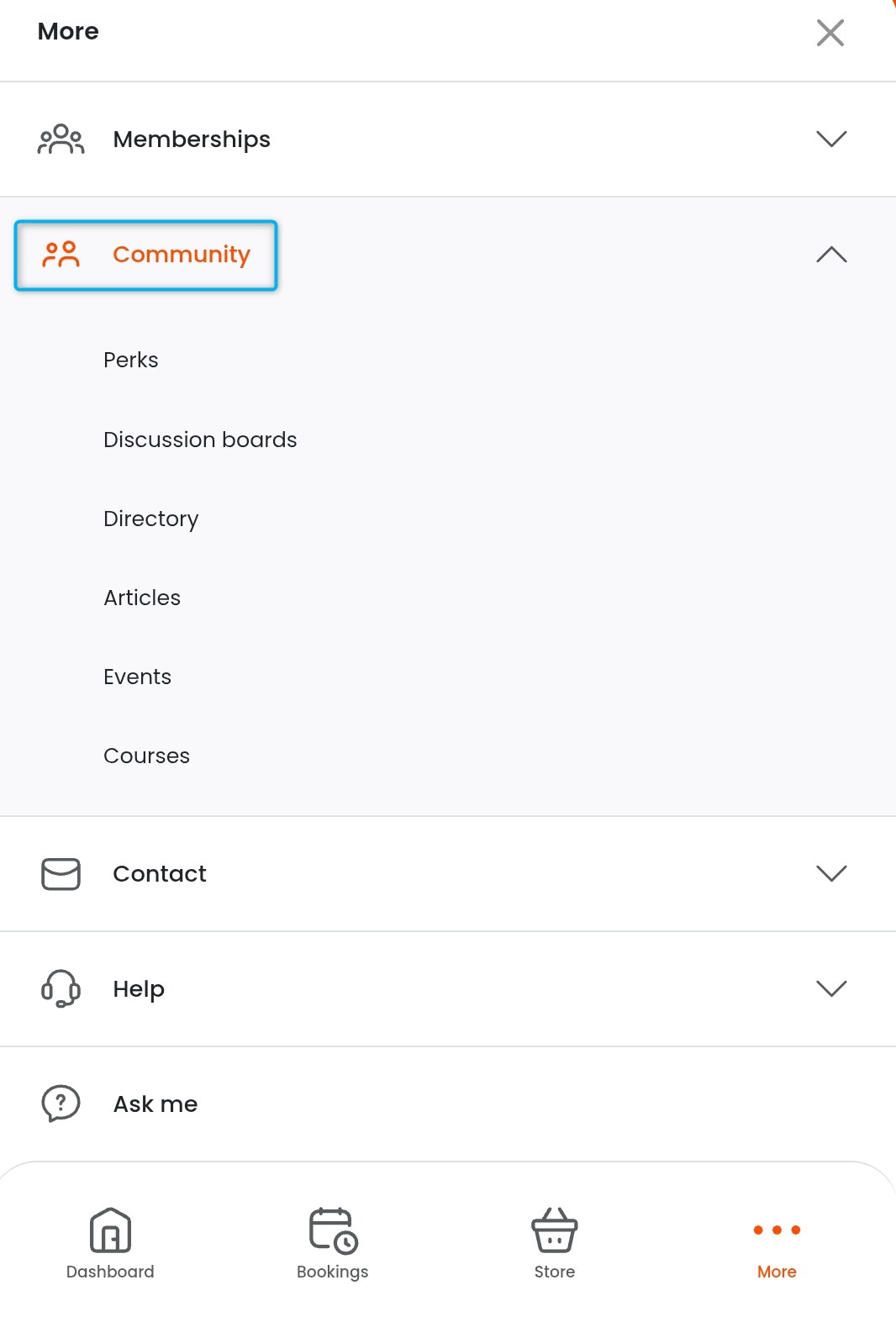
Customers can use the Passport app to access your space's community features by selecting More > Community from their dashboard.
Perks
Perks are discounts or other offers you make available to your customers. These can be directly from your space or in partnership with other businesses.
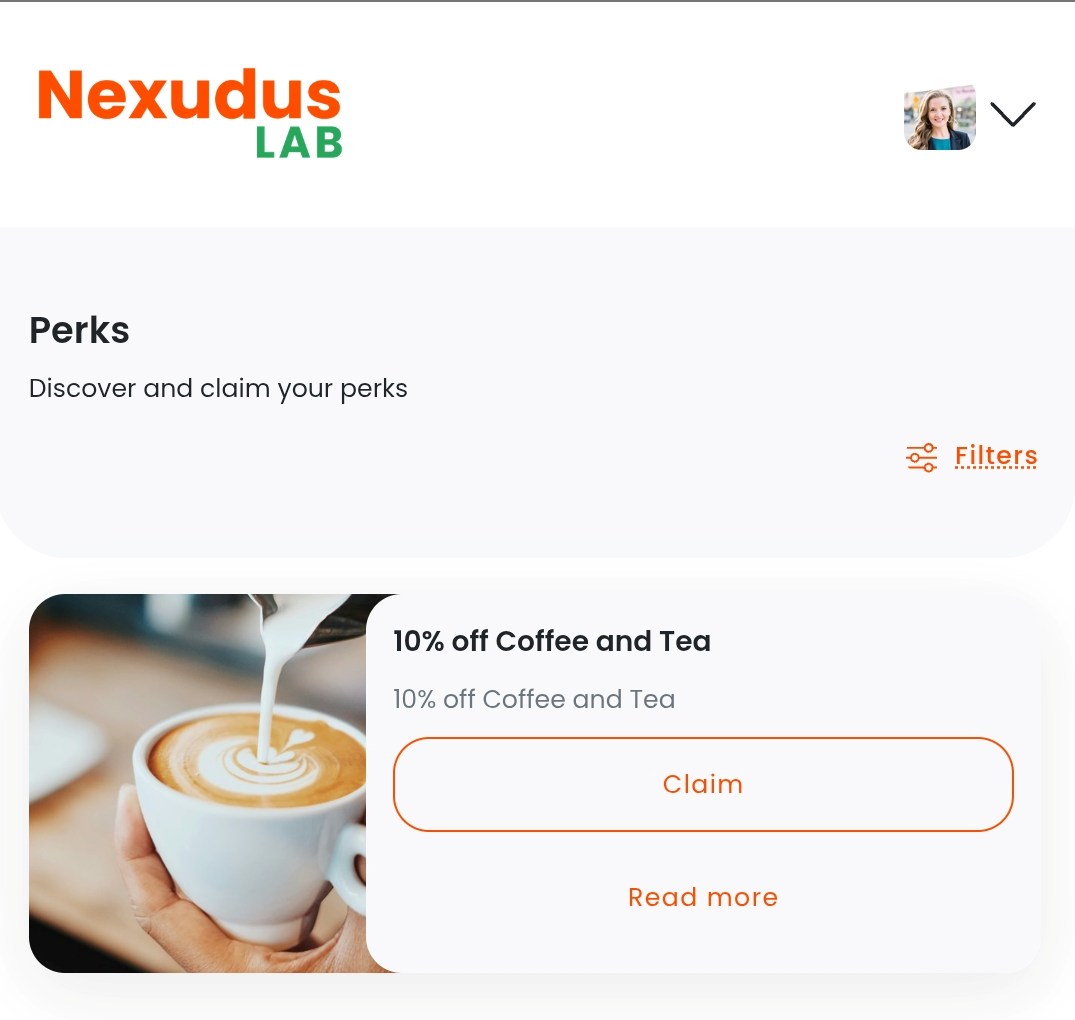
The Perks section is enabled in the Passport app as long as you've published at least one perk. To disable the Perks section, you'll need to unpublish all of your perks. You can control which customer groups can view the Perks section through your Access Settings on the Admin Panel.
Once you've published your perks, customers can access them on the Passport app by tapping More > Community > Perks. They can browse available perks and claim offers.
Discussion Boards
Discussion boards let customers communicate with each other on the Members Portal and Passport app.
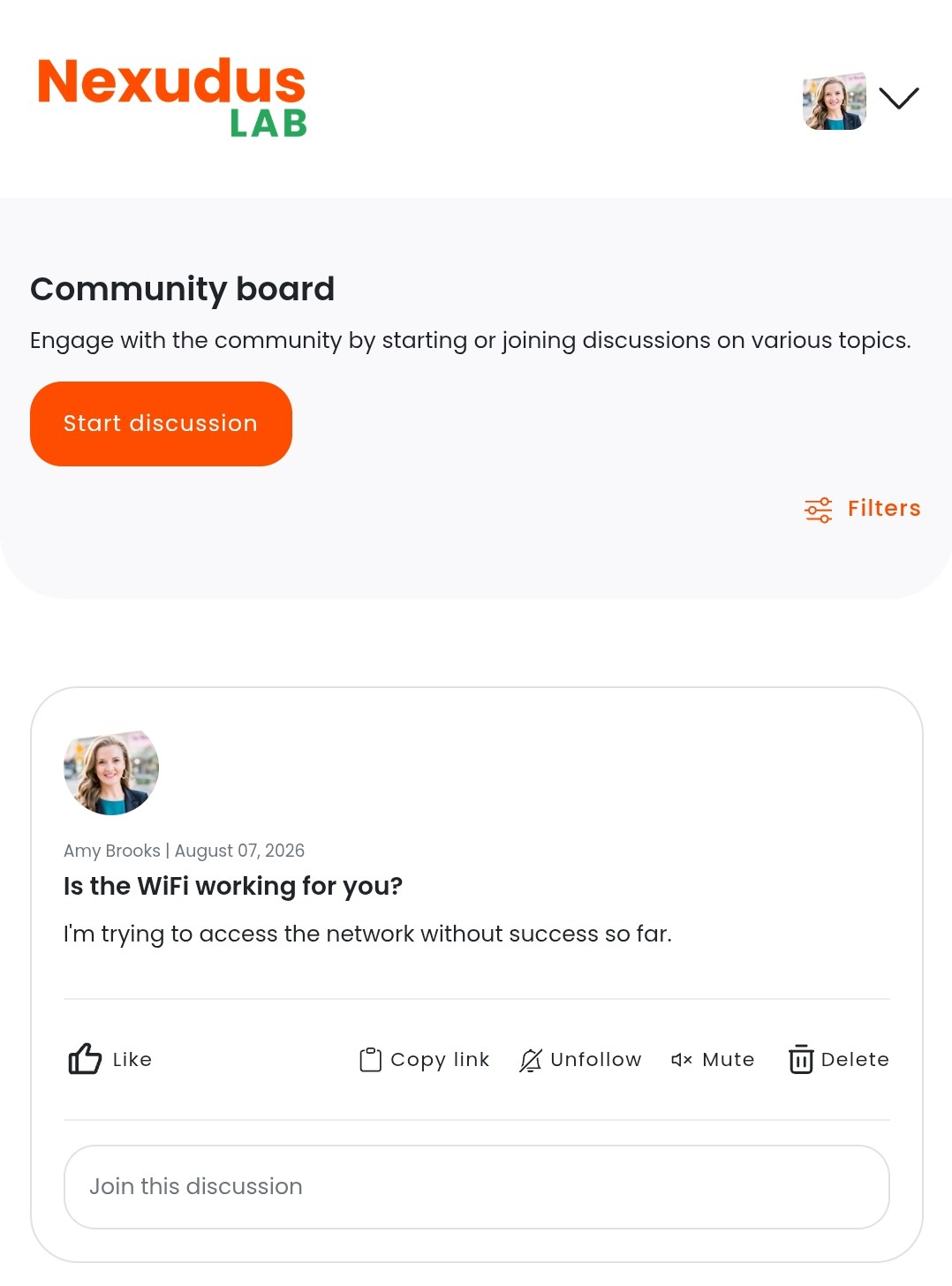
You can enable Discussion boards via Settings > Website > Features on the Admin Panel. You can control which customer groups can access the Discussion boards section via Settings > Website > Access.
Once you've enabled Discussion boards, customers can access them on the Passport app by tapping More > Community > Discussion boards. They can start conversations and reply to comments just like they can on the Members Portal.
Directory
The directory lets customers publish professional profiles for themselves and for their teams.
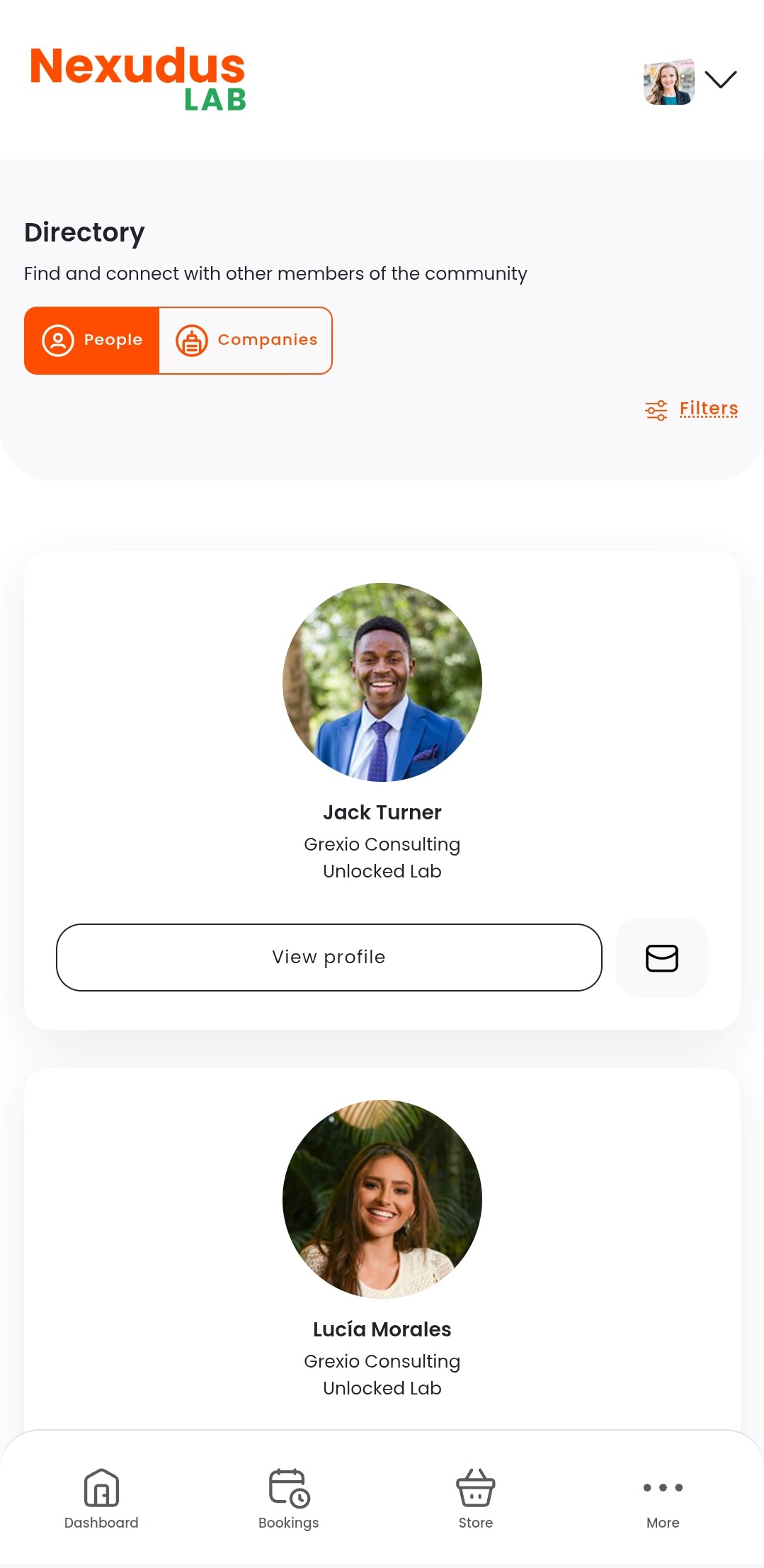
You can enable the Directory via Settings > Website > Features on the Admin Panel. You can control which customer groups can access the Directory via Settings > Website > Access.
Customers can access the directory on the Passport app by tapping More > Community > Directory. They can browse profiles of other customers and teams in your space and send messages.
Articles
You can publish articles to share information and content with your customers.
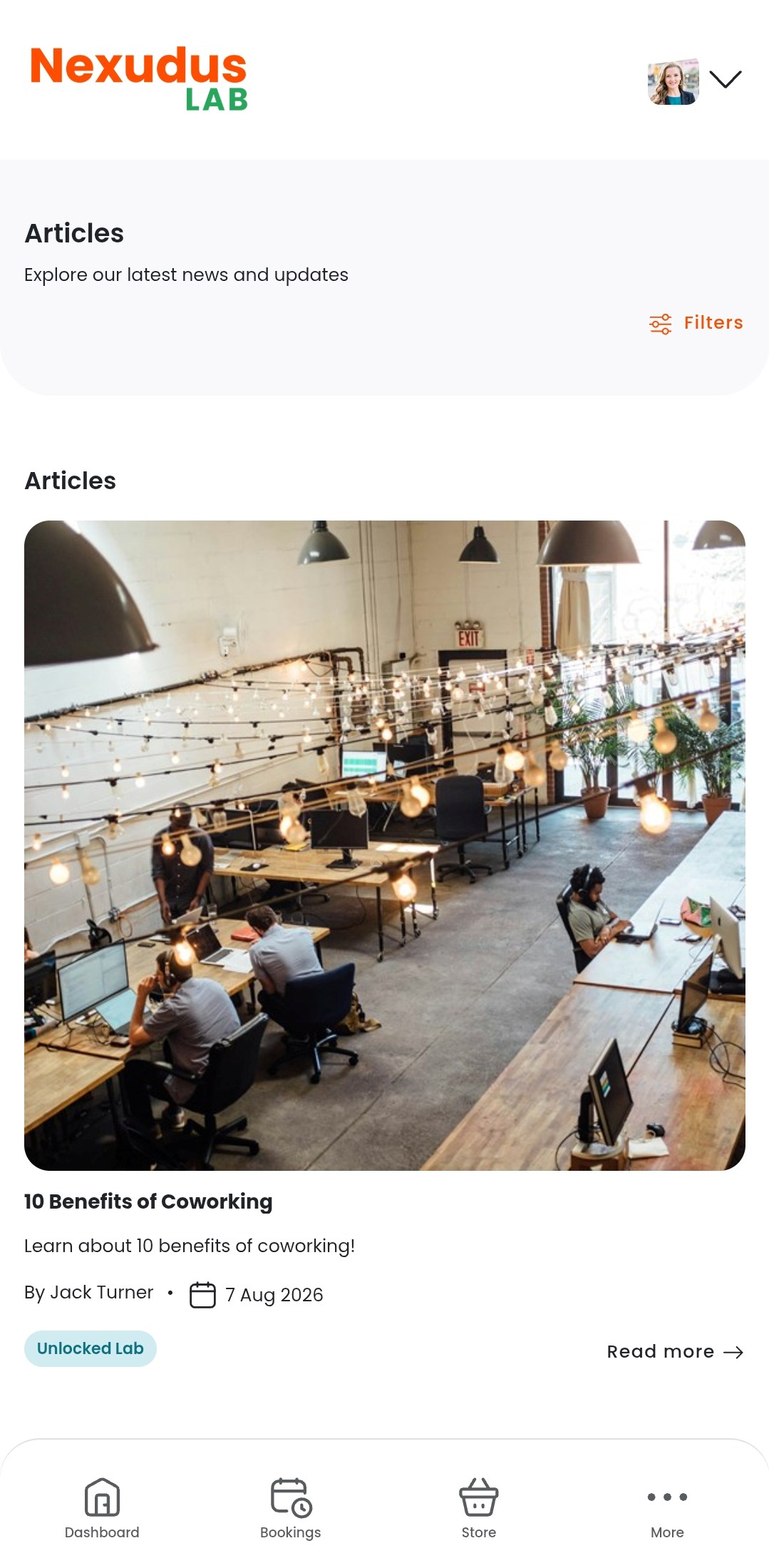
You can enable the Articles section via Settings > Website > Features on the Admin Panel. You can control which customer groups can access the Articles section via Settings > Website > Access.
Customers can access articles on the Passport app by tapping More > Community > Articles. They can read, comment on, and rate articles just like they can on the Members Portal.
Courses
Courses are a learning tool you can use to share lessons and other training materials with customers.
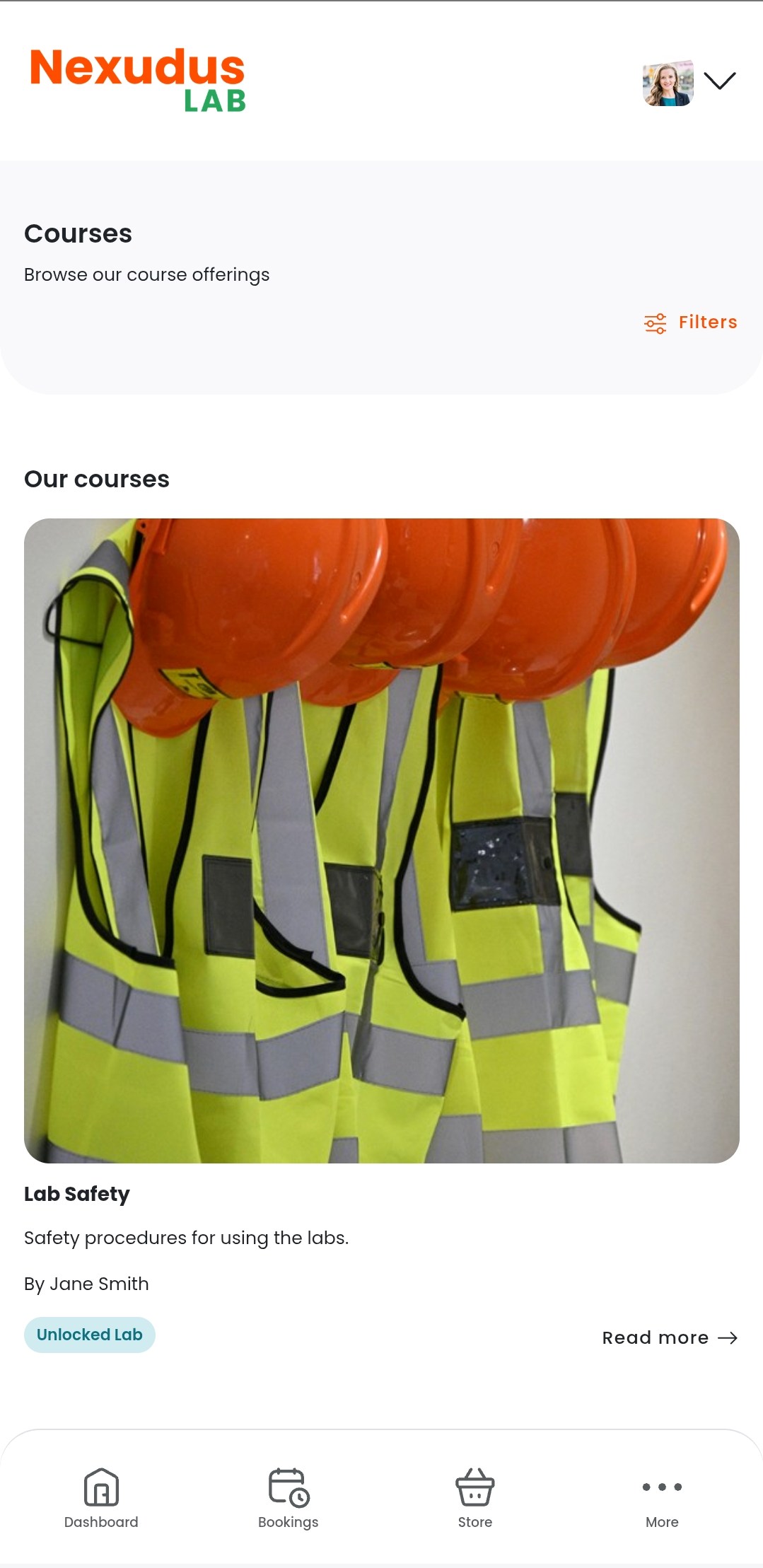
The Courses section is enabled in the Passport app as long as you've published at least one course. To disable the Courses section, you'll need to unpublish all of your courses.
The Courses section is available to the public by default. You can't restrict access to the Courses section, but you can restrict individual courses to specific customer groups.
Customers can access courses on the Passport app by tapping More > Community > Courses. They can enroll in courses and view course materials just like they can on the Members Portal.
Events
Events let you share what's happening in your space with customers.
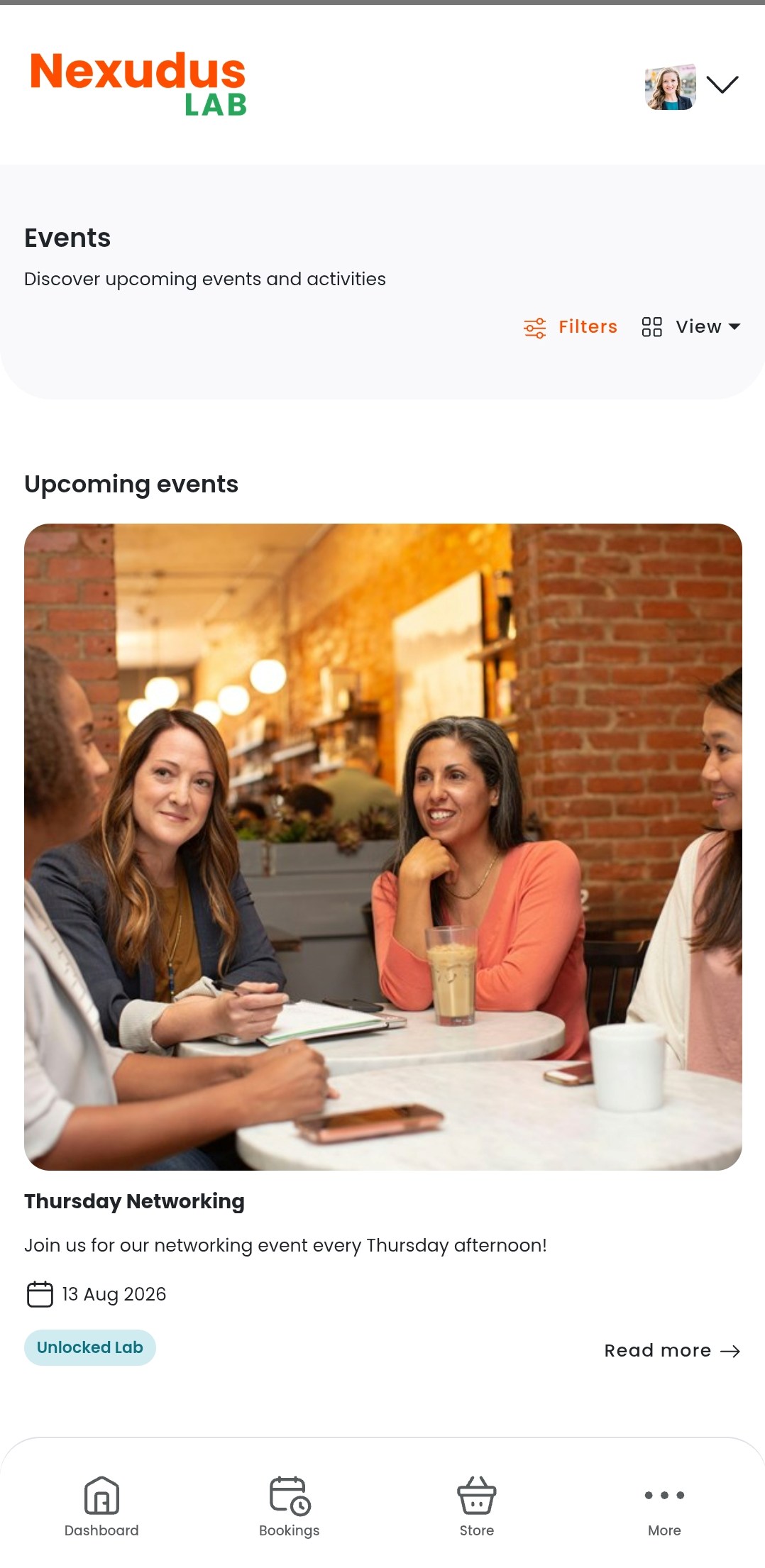
You can enable the Events section via Settings > Website > Features on the Admin Panel. You can control which customer groups can access the Events section via Settings > Website > Access.
Customers can access events on the Passport app by tapping More > Community > Events. They can purchase tickets as well as comment on and rate events just like they can on the Members Portal.